Start with the product, not the whole catalogue
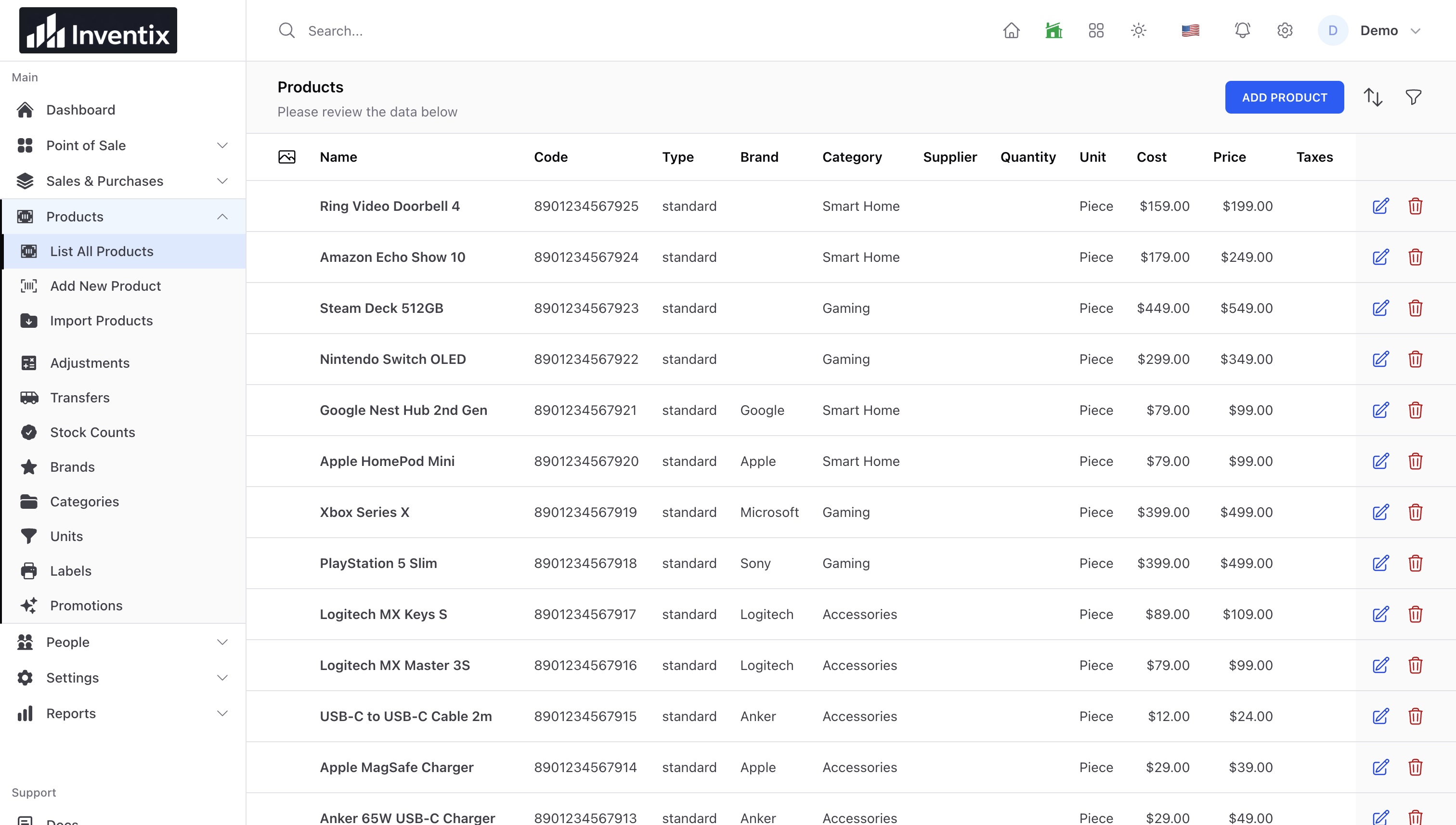
Pick one frequently sold product. Check stock in the relevant store, recent sales and any supplier delivery already on the way. Do not add stock from another location unless you intend to transfer it.
Work through a simple example
Suppose your store sells about 10 units a day, the supplier normally takes 7 days and you choose a buffer of 20 units. A starting review point is 10 x 7 + 20 = 90 units.
This is an illustrative planning calculation, not an Inventix demand forecast or a guaranteed stockout threshold. Your supplier reliability and sales variation determine whether it is appropriate.
Check what the reports actually say
Use a matching date range and store when reviewing sales. Returns, unavailable-stock days and unusual promotions can distort the average. Open the underlying records when a total surprises you.
Choose the right next action
If another store can spare stock, create a transfer. If you need new supplier stock, record the purchase when appropriate. If the quantity is wrong, investigate movements or perform a count; do not order merely to hide the discrepancy.
Move stock between stores or check a physical count.
Review the result
After the delivery, compare the received quantity and product stock. Keep the reference so your next purchasing decision can be traced to what actually happened.