Check the store and unit first
The right product in the wrong store is still the wrong quantity. Confirm the location, variant and unit before comparing a physical count with the product record.
Check recent movements
Review sales, purchases, transfers, returns and adjustments since the last known correct count. A held cart is not proof of a completed sale, and a quotation is not a stock movement.
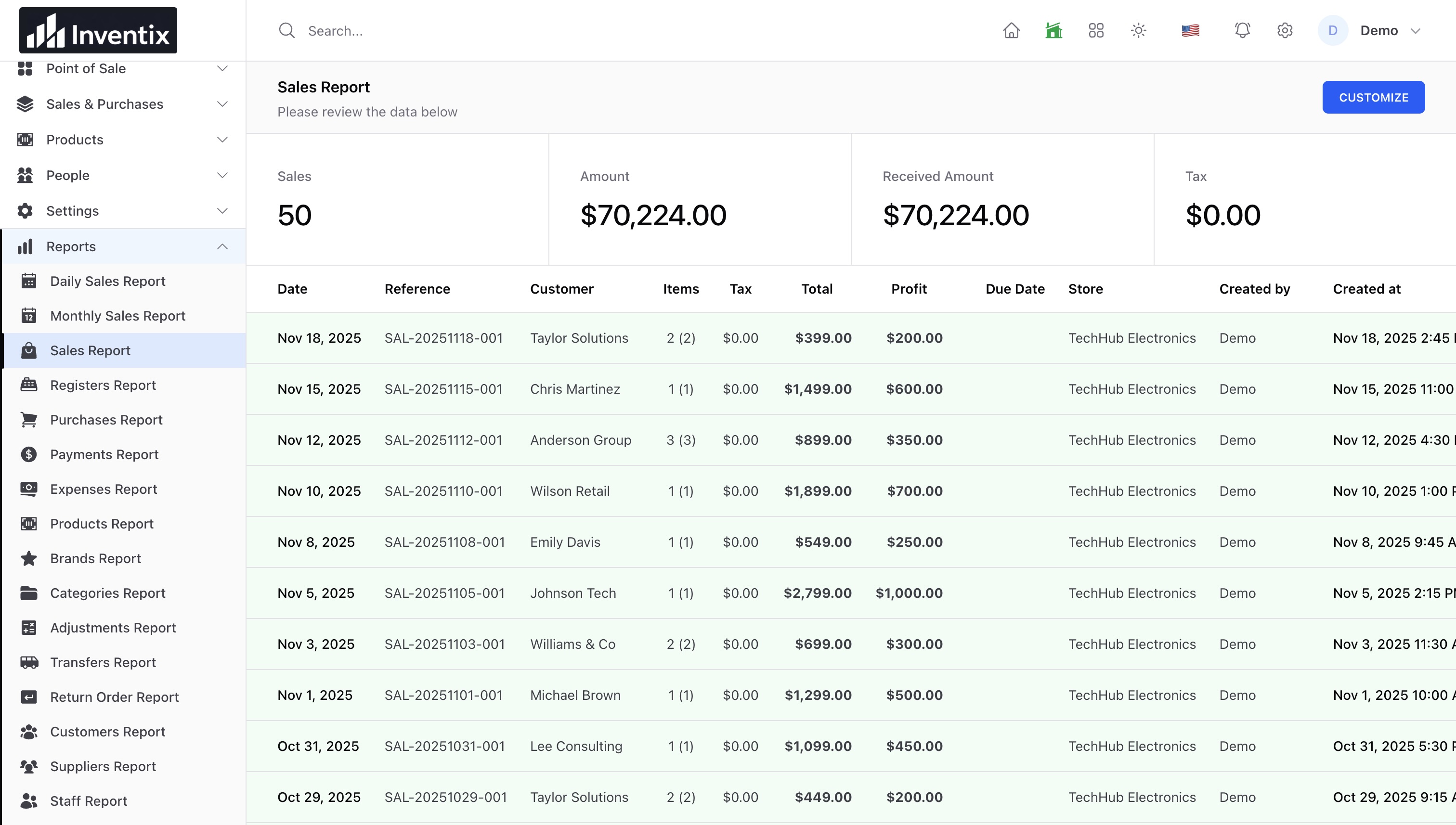
Understand held orders and stock transfers.
Check when the count was taken
A physical count can become stale while staff are selling or receiving stock. The current count workflow rejects a stale snapshot rather than overwriting newer movements. Reconcile what changed and use a fresh count when needed.
Record the correction you can explain
Use an adjustment for an identified loss or correction. Enter a reference and details that another team member can understand later. Do not repeatedly adjust the same unexplained gap without investigating its source.