Inventix help centre
How can we help?
Find the steps to set up your store, make a sale, or sort out a stock question. Follow along with real Inventix screens.
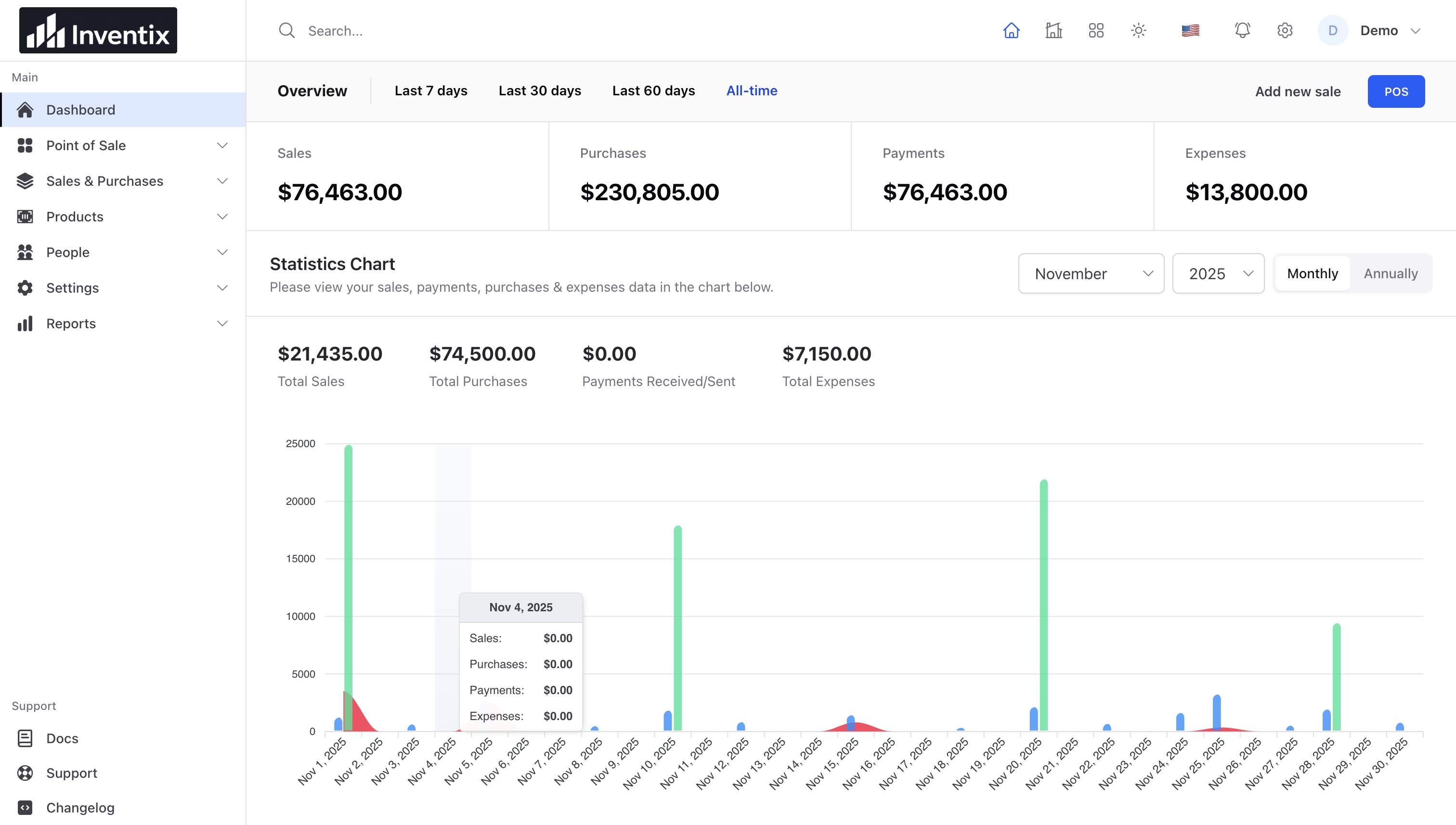
Set up your store and make your first sale.
- 01Set up your first store
Start with your business details, a few products and one checked sale.
- 02Add products and opening stock
Set up product codes, prices, variants and the quantity your store actually holds.
- 03Complete a sale at the counter
Open a register, add products, record payment and check the receipt.
- 04Read sales, payments and store performance
Understand what changed, what was collected and which totals you are comparing.
Getting started
1 guideProducts and imports
3 guidesAdd products and opening stockSet up product codes, prices, variants and the quantity your store actually holds.Import products from a spreadsheetMatch columns, review errors and check the result before importing a larger catalogue.Create barcode labels and scan productsUse product codes consistently from the shelf to the checkout.
Selling and payments
5 guidesComplete a sale at the counterOpen a register, add products, record payment and check the receipt.Hold a cart and return to itPause a checkout without treating it as a completed sale.Record a split or partial paymentKeep the amount paid, payment method and remaining balance together.Create and check a sales invoiceKeep customer details, sale lines, taxes and payments on the same record.Record a return and reconcile the refundCheck the original sale, returned quantities and money movement.
Stock and locations
3 guidesReports
1 guideAccount and billing
2 guidesTroubleshooting
1 guideStill need a hand?
Never include passwords, recovery codes, or full customer exports.