One sale, more than one way to pay
A customer wants to use cash for part of the total and their card for the rest. Keep one sale and record the supported payment amounts and methods against it. Your sale, stock movement and payment history stay connected rather than become separate transactions.
Confirm the actual card transaction on your usual provider or terminal first. Entering a manual card amount in Inventix records the payment; it does not charge the card.
Leave part-paid sales easy to follow
Record what you actually received, not the amount you hope to collect later. If the customer pays $40 of a $60 sale, the remaining amount is $20 before any other adjustments, credits or returns.
Attach the correct customer so your team can find the history when they come back. The unpaid amount belongs to the existing sale, not a note beside another receipt.
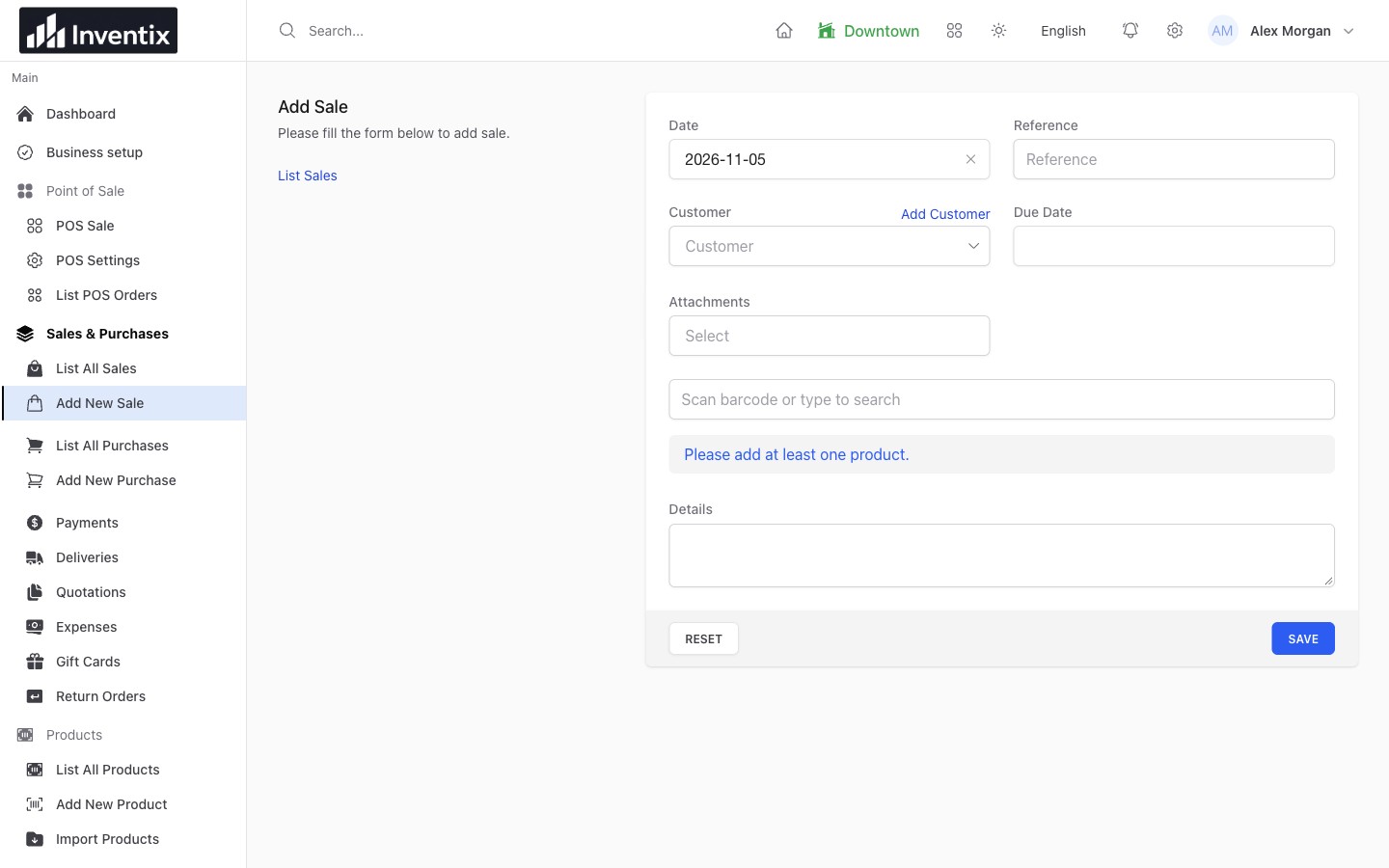
The saved sale gives a payment its context. Review the sale and its payment history when checking what remains due.
Collect the rest without another sale
Find the original sale or supported customer-payment workflow, add the later payment and check the resulting balance. Do not enter another $20 sale to collect that example's remaining $20; that would describe new selling activity that did not happen.
Keep a useful reference for bank and terminal payments. It makes it easier to match your retail records with the external transaction when a customer has a question.
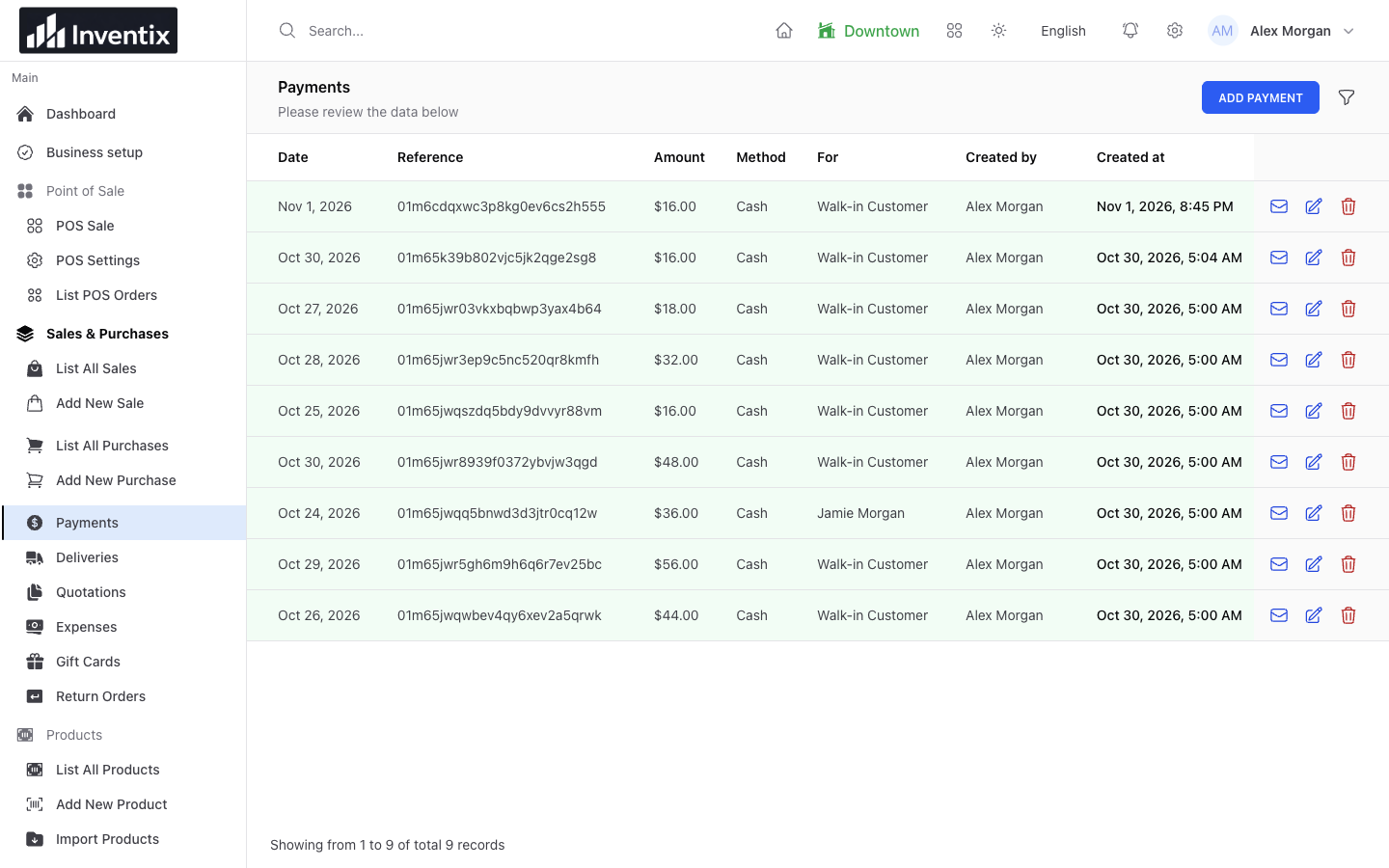
Use the existing payment records to find money already entered before adding another payment.
Keep supplier payments with the purchase
Receiving goods and paying for them can happen on different days. Record the supplier purchase when the goods arrive, then record payments in their proper purchase or supplier context.
Avoid entering the delivery twice just because you paid it in two instalments. Follow the supplier's history to understand outstanding amounts and any relevant credits.
Explore purchasing or follow supplier balances.
Review received money by date
Use the payments report to inspect the recorded date, method, amount and related reference. Today's payments can include old sales, while today's sales can include money still due. Check both before treating a difference as missing cash.
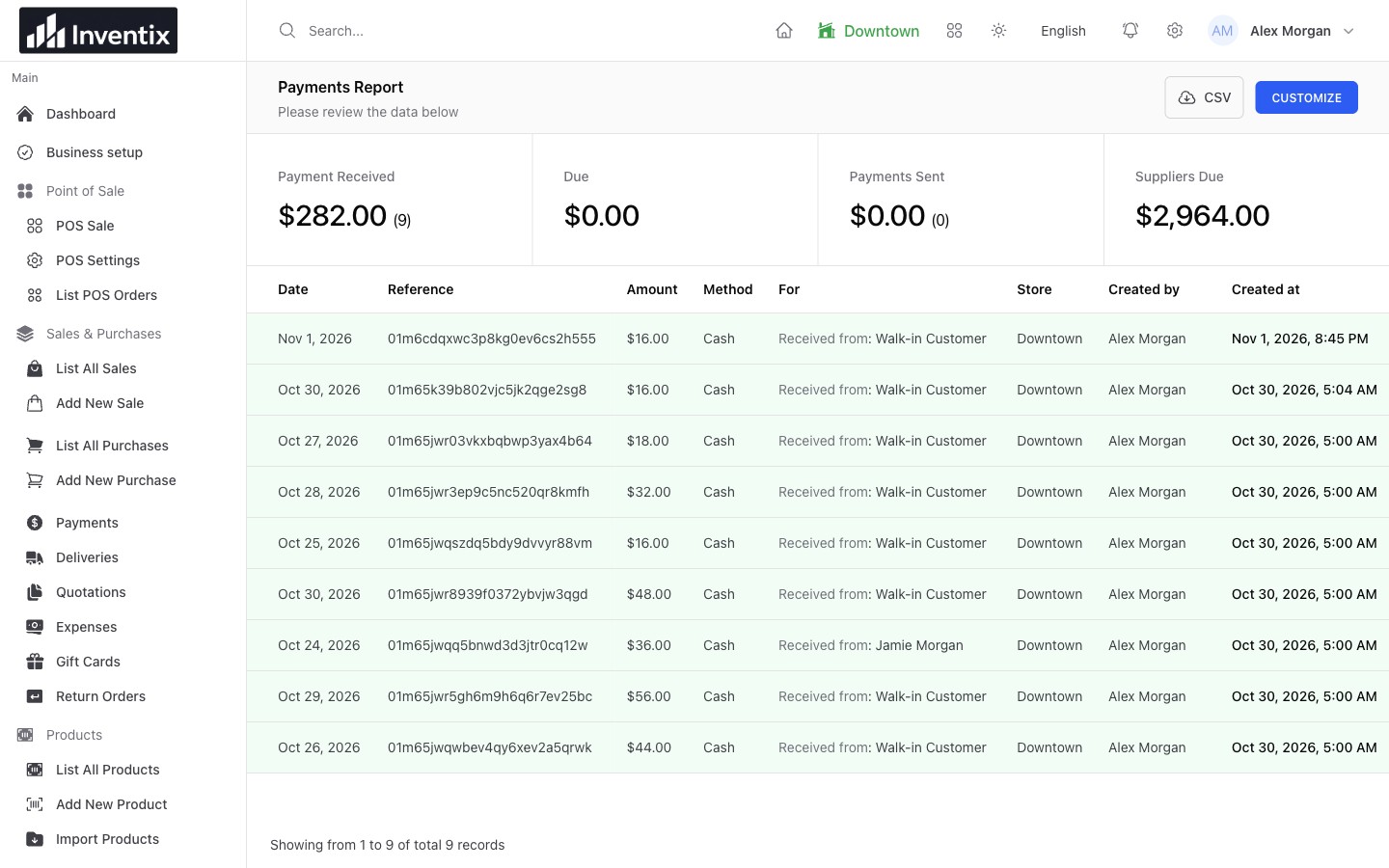
The payment date answers when money was recorded. The linked sale or purchase answers what it belongs to.
Read the daily reporting example.
Use your provider to move money
Inventix keeps your store's payment records. Your external provider handles card charges, bank movement and provider-side refunds. Record the corresponding business event in Inventix and retain the external reference where appropriate.
Lemon Squeezy handles the subscription your business pays for Inventix. It is not the checkout provider for purchases your shop's customers make.
Your payment questions
Does recording a return send the customer a refund?
No. Follow the appropriate return workflow for the retail record, and complete any actual money refund with your payment provider. Confirm both rather than assume one performs the other.
Why does a customer's balance look different?
Review the original sale, later payments, returns, opening balances, credits and possible duplicate records. A statement gives context; do not add unexplained balancing payments to force a desired total.
Check your first payment
In a test workspace, complete a sale, record its payment and find both references in the reports. Try a partial payment if your store uses them, then follow the outstanding amount through collection.
Follow split and partial payments, review customer balances or get setup help.