Guides and page contents
Search all guidesAdd the supplier you buy fromReview purchases and balancesAdd a payment onceCorrect the right recordRelated guidesManage suppliers and what you owe
Keep supplier details, received purchases, payments and balances together.
Add the supplier you buy from
Open People > Suppliers and use the add action. Enter the company/name and the contact details you actually need. Check for an existing supplier before making a second record with a slightly different name.
Use the same supplier record for later purchases and payments. Changing contact details is different from correcting a purchase or paying a balance.
Review purchases and balances
- Find the supplier in People > Suppliers.
- Open its details or statement using the available row actions.
- Review the purchases, payments and references explaining the balance.
- Compare those records with the supplier's invoice or statement before paying.
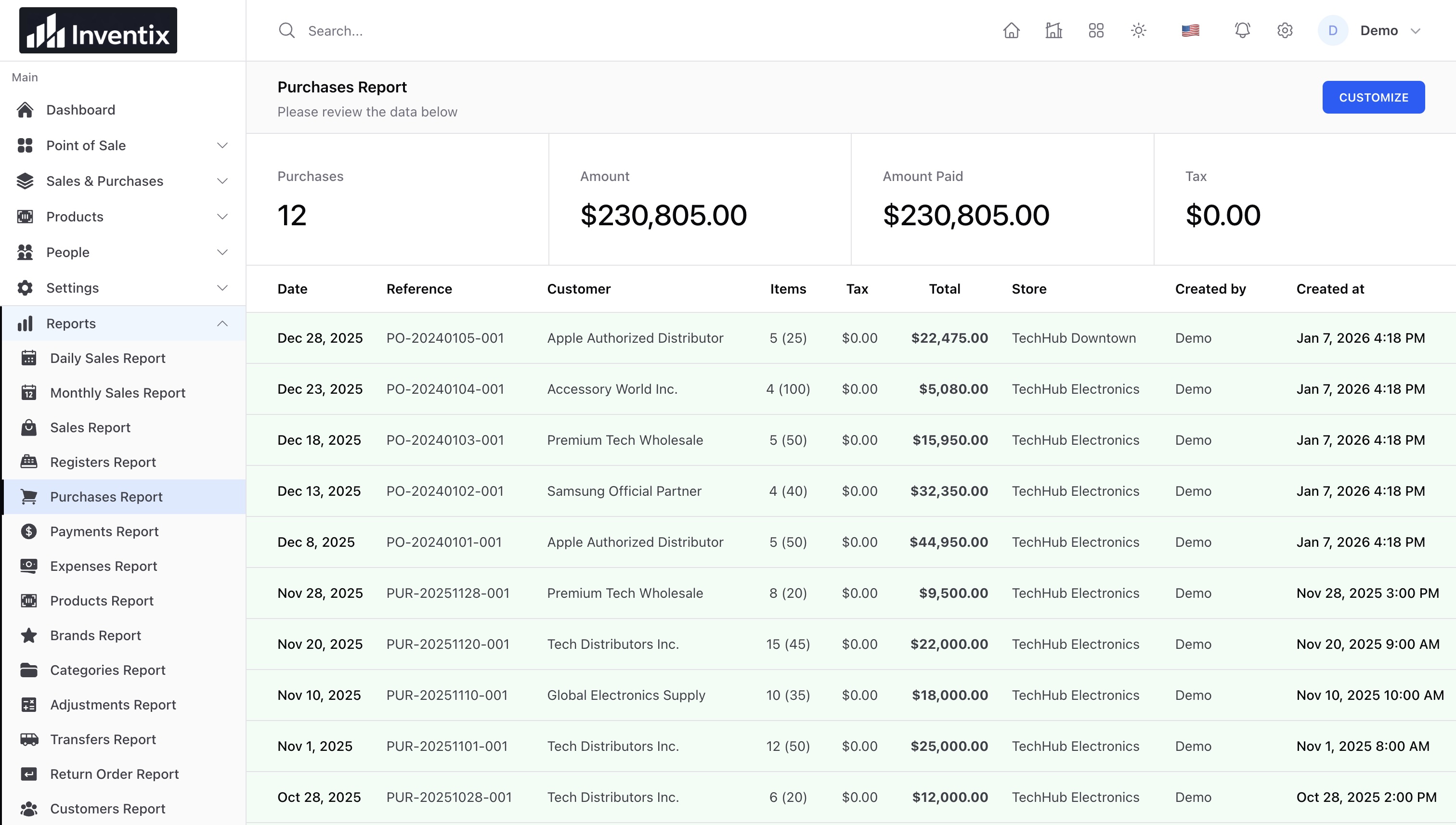
A positive due balance and an advance are not the same thing. Where the screen labels a negative balance Adv, it represents an advance rather than another amount due. Investigate the underlying records when the amount differs from your supplier's statement.
Add a payment once
Use the available payment action on the relevant purchase or supplier. Enter the actual amount, method, date and reference. Confirm payment with your bank or payment provider separately before recording it as made.
For an illustrative purchase of $100 and a payment of $40, $60 remains due if there are no opening balances, returns, credits or other transactions. Check the purchase payment history and supplier statement together; do not enter another purchase to explain a payment.
Correct the right record
Use a purchase correction for an incorrect received quantity, a purchase return for returned goods, and the payment workflow for money. Do not delete the supplier's history to make its balance look right.
Continue with receiving purchases, returns, or report filters.
Still stuck? Tell us what happened. Never include your password or recovery codes.