Guides and page contents
Search all guidesWhat payment recording meansSplit a paymentLeave an amount outstandingGift-card creditReconcile the resultRelated guidesRecord a split or partial payment
Keep the amount paid, payment method and remaining balance together.
What payment recording means
Inventix records cash and supported manual payment methods against the sale. It does not replace your external card terminal or payment processor. Lemon Squeezy handles your Inventix subscription, not your shop's customer transactions.
Split a payment
- In POS, review the sale total and choose Payment.
- Enter the first amount and select its payment method.
- Add the next payment entry using the other method, then check the combined paid amount and change due.
- Confirm external-terminal payments on that terminal before completing the sale.
- Review the saved receipt and payment entries.
Leave an amount outstanding
For sales that allow a remaining balance, select the correct customer and record only the money actually received. Later payments should be added against the same sale, not entered as a second sale.
Check the customer's balance and the sale's payment history after recording another payment. Your role and sale workflow determine which outstanding-balance actions are available.
Gift-card credit
Administrative gift-card credit creation and validated redemption are supported. Selling or issuing a new gift card inside a POS checkout is not available in the current release.
Reconcile the result
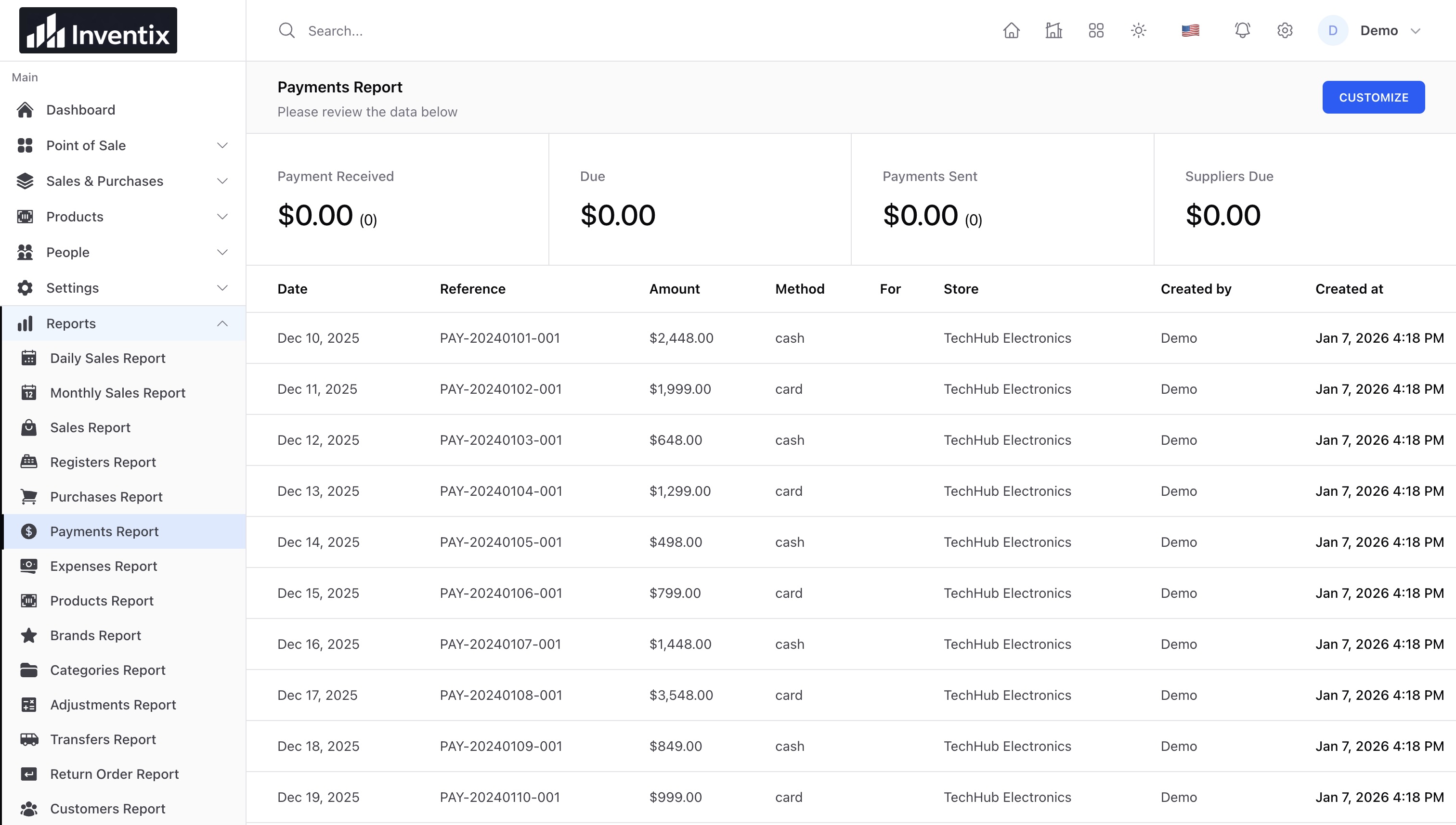
A sale total and money collected are not always equal. Use sale records for what was sold and the payment report for what was received. Never record a declined terminal transaction as paid. See report interpretation.
Still stuck? Tell us what happened. Never include your password or recovery codes.