Start with the right supplier
Find the existing supplier before creating another record. Keep the business name and useful contact details together so the next delivery, price question and payment belong to the same supplier history.
Choose the receiving store as well. A delivery to Riverside should not become stock at Downtown just because that was the last location you viewed.
Record what actually arrived
Add the delivered products, actual quantities, unit costs and relevant configured taxes. Keep the supplier's invoice or delivery reference with the purchase. Review the totals before saving so your team can connect the stock on the shelf with the document that brought it in.
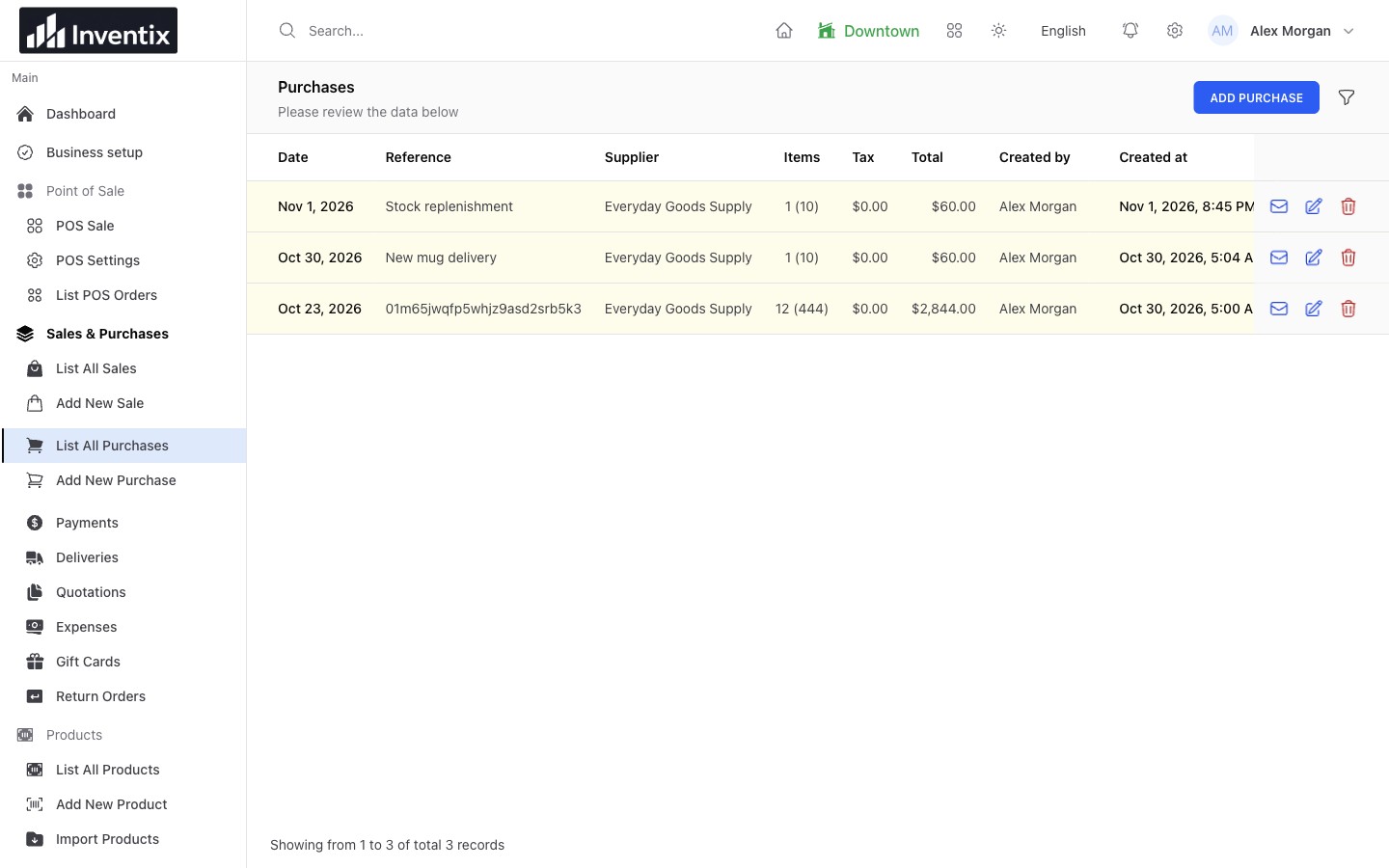
The purchase records goods received. Check delivered quantities rather than assume they match an earlier order or message.
The current workflow records received supplier purchases. It is not an approval system for purchase orders awaiting delivery. Tracked stock follows the received purchase in the selected store.
Check the last purchase
Before buying the same item again, find the earlier supplier record and purchase reference. Review what you bought, the cost and the receiving store. You have a useful starting point for a supplier conversation without searching through loose invoices.
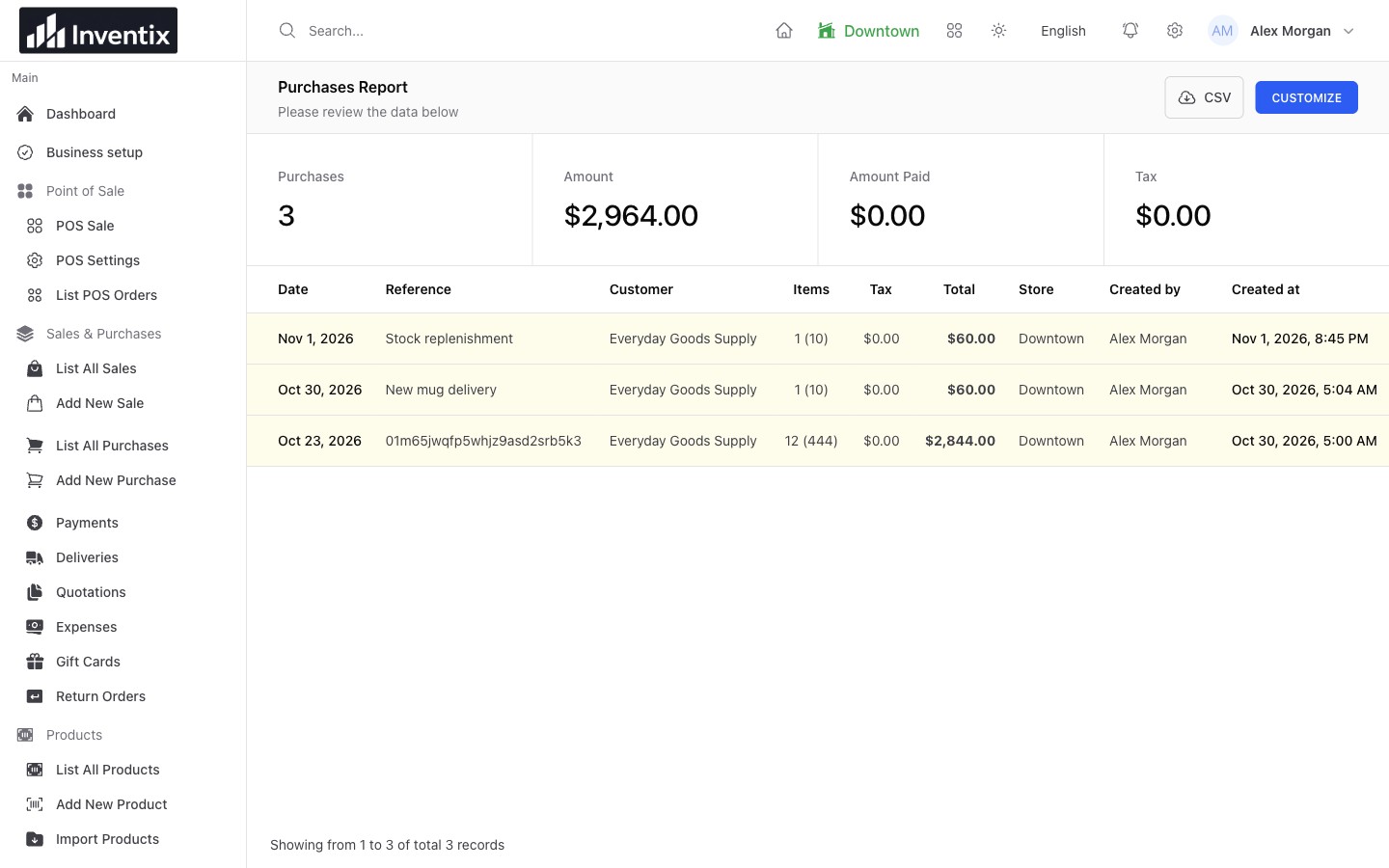
Purchase history lets you move from a buying total to the individual record behind it.
Receive today, pay when it is due
A delivery and its payment can happen on different days. Record the amount actually paid and leave any outstanding amount with the relevant purchase or supplier balance. When you pay later, record the payment against the existing context rather than enter the goods again.
For example, a $200 received purchase with $80 paid leaves $120 before other transactions or credits. A later $120 payment settles the remaining amount; it does not add another $120 of stock.
Follow supplier balances or explore payment records.
Reorder or move existing stock
Review low stock and quantities at your other locations before deciding to buy. A transfer can replenish one store from another without increasing the amount your business owns. A supplier purchase brings new stock into the business.
Choose the record that matches the real event. That keeps purchase history useful when you want to understand how much you actually bought.
See multi-store transfers and set low-stock levels.
Return goods with their context
Find the original purchase when goods need to go back. Use the appropriate purchase-return workflow and review both its stock effect and the supplier balance. A stock adjustment alone does not describe the money or credit involved.
Keep any external refund or supplier-credit reference alongside your business records. Inventix does not move money through your supplier's bank on your behalf.
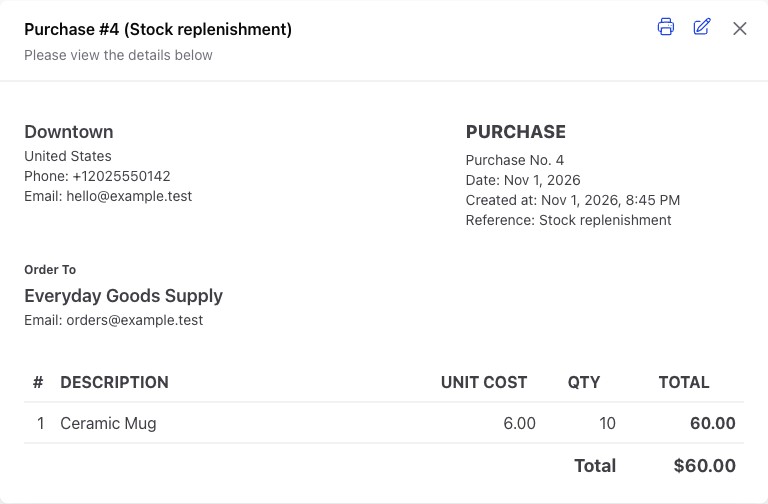
The saved purchase provides the reference and item details to check before discussing a return or supplier credit.
Your purchasing questions
Can I automatically place supplier orders?
The current product records received purchases and supplier payments. It does not automatically send orders to a supplier or promise a purchase-order approval workflow.
Can I find purchases across stores?
Use the relevant purchase records and report filters within your permitted stores. Match the date range before comparing locations, and use the store's stock records for current availability.
Follow your first delivery
Create or find the supplier, receive a small representative purchase and check the resulting store quantity and balance. Ask us to help you check the setup before entering a large catalogue or delivery.
Follow the purchasing guide, handle a supplier return or get free setup help.