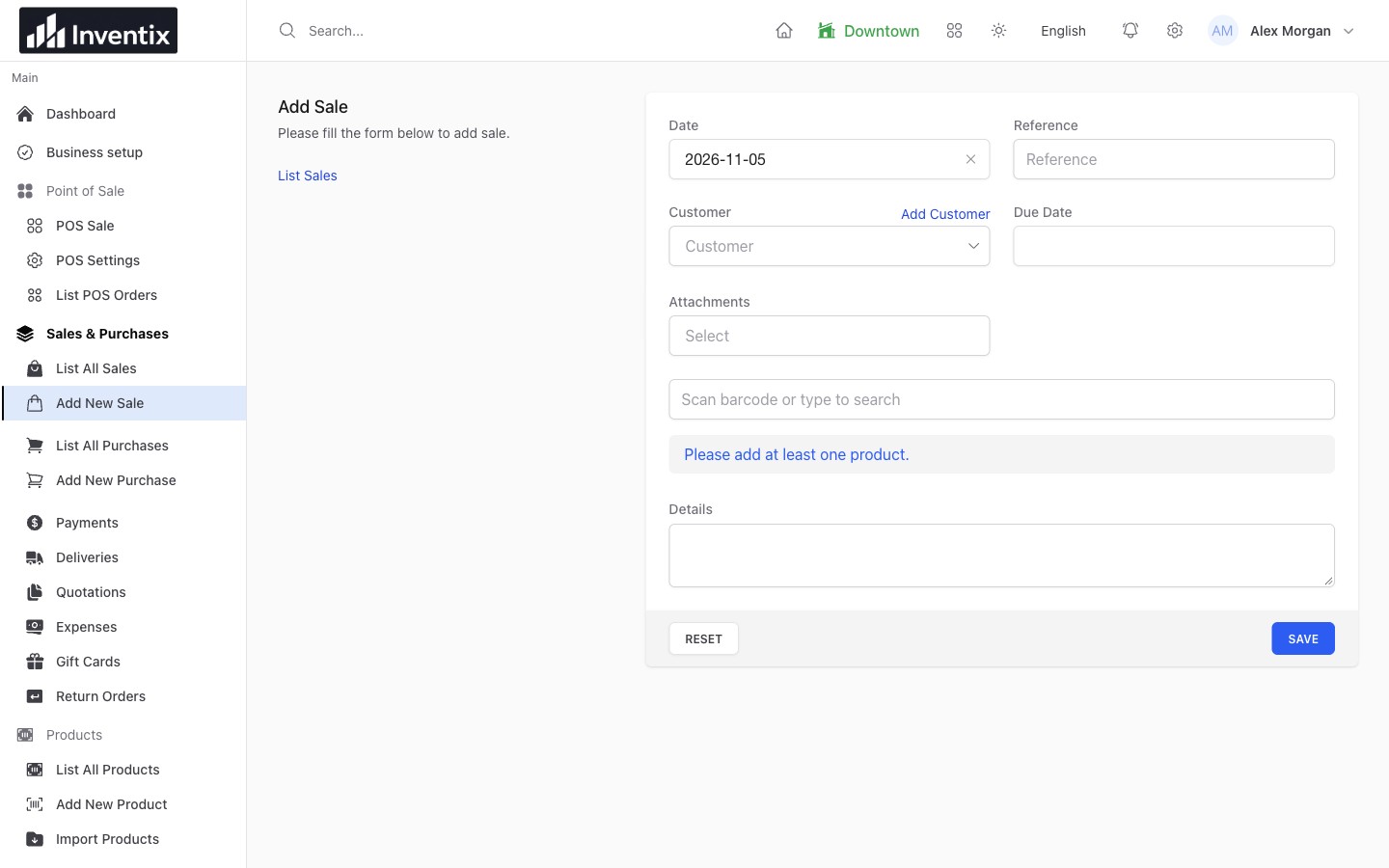
Keep the details with the sale
Save the products, quantities, prices, customer and reference together. A useful sales record tells you more than the amount that appeared on a payment notification: it explains what your customer actually bought.
Use the same record when the customer asks for a copy, pays later or has a question about an item. Your team does not need to reconstruct the basket from memory.
Find the original in seconds
Search the relevant sales history by the available reference, customer or date information, then open the document. Check the selling store as well when your business has multiple locations.
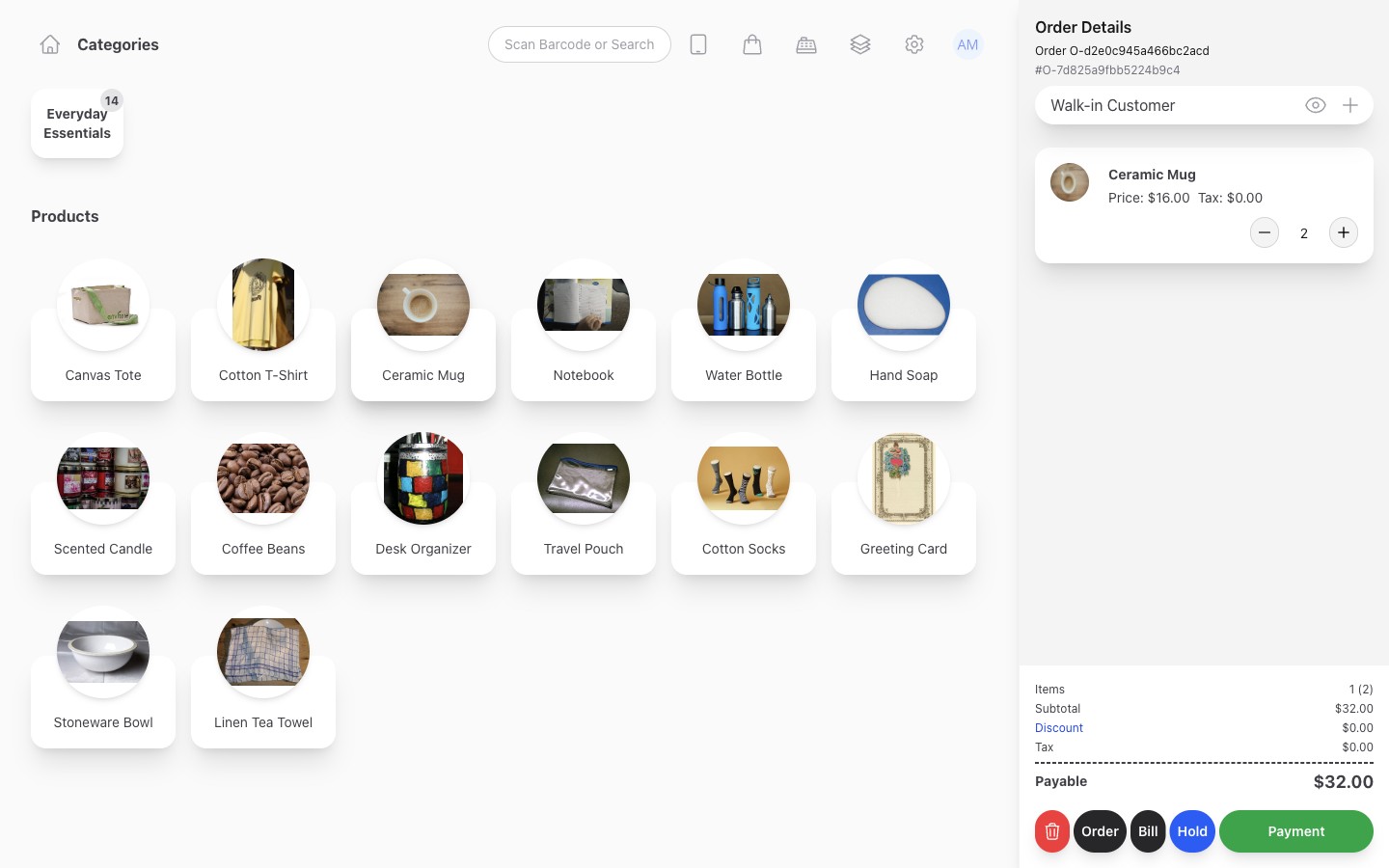
The saved sale keeps the transaction's line items and amounts available after checkout.
The document is part of your business records. Keep customer details limited to what is needed and make sure only the right staff can access or change them.
Follow what is still due
The sale total and the amount already received can differ. Open the payment history to understand what the customer paid and what remains due, then use the existing payment workflow when the balance arrives.
A $60 sale with $40 paid is not two sales. The later $20 payment belongs to the original transaction. Returns, credits and opening balances may also affect what you see, so check the full context before correcting an amount.
Prepare the receipt for your counter
Use the supported receipt or print action. Review your business details, product lines, totals and applicable tax information before handing over a printout.
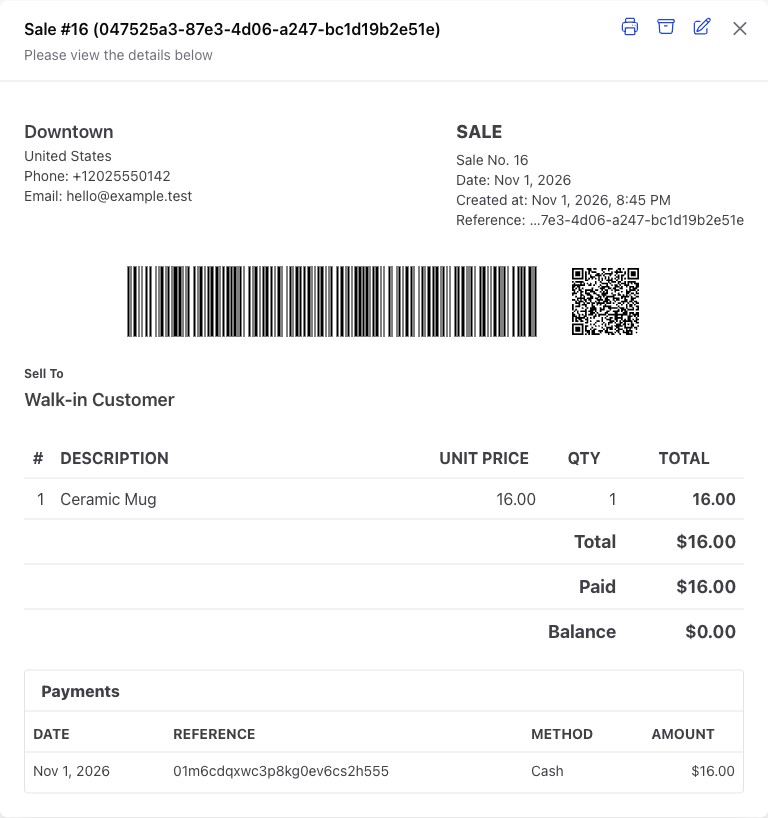
Use the saved document to check the details before printing. The final layout also depends on your browser, paper and printer settings.
Print one test on the actual equipment at your counter. A layout that looks good on a laptop still needs checking on a receipt roll or a different paper size.
Handle returns against the right record
Find the original sale before recording a return. Use the appropriate workflow so the stock and financial context remain understandable. Do not enter a new negative or balancing sale simply to force a desired result.
If money must be refunded through an external provider, complete that action with the provider too. The retail return record does not itself send money back to the customer.
Use the document that matches the work
A quotation describes a proposed transaction. It is not proof of a completed sale or payment. A receipt, sales document, return and purchase each have a different business purpose.
Set the business details and tax configuration you need, and check local requirements separately. Inventix is not presented as a certified fiscal-invoicing integration for every jurisdiction.
Your receipt questions
Can I use my existing printer?
Test the supported print action with your actual browser and printer. Do not assume every thermal printer, driver and paper layout is automatically compatible. Read the printing guide.
Can a customer get an earlier sale's details?
Find and open the original saved sale through its history. Check the customer and reference before sharing a copy; a payment amount alone does not identify every item in the sale.
Check your first printout
Complete a representative test sale, open its document and print one copy. Check the store identity, products, discounts, taxes and totals before using the same setup with customers.
Follow sales invoices, prepare receipt printing or get free setup help.