Choose a workspace language
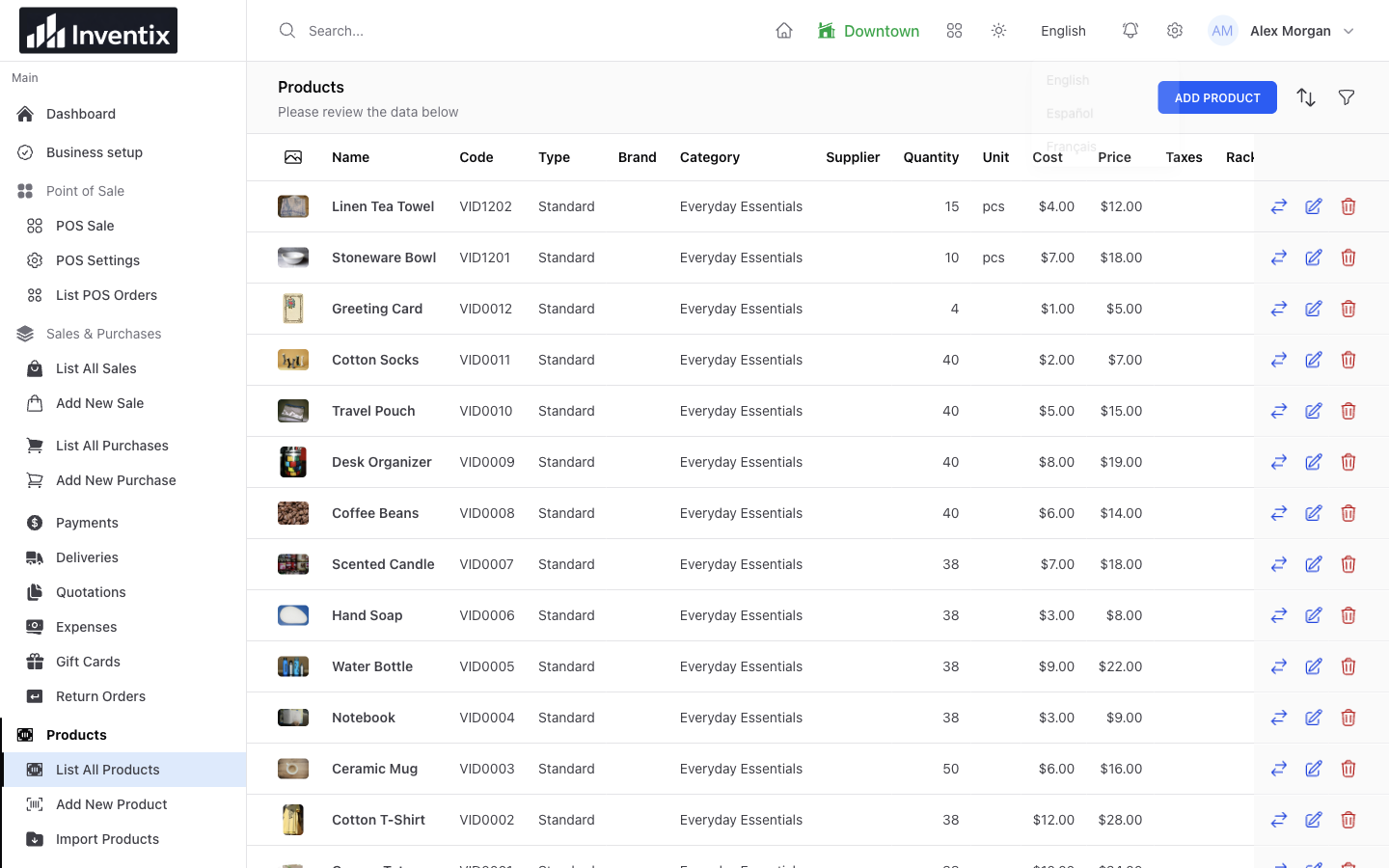
Sign in to your store and open the language control in the workspace header. Choose an available option: English, Español or Français. Supported navigation and action labels change so familiar work can be easier to recognize.
The language menu above shows the available workspace choices. They are separate from the language of this public website.
Start with a task your colleague already knows, such as finding a product. They can recognize the action and check its label without learning a new business process at the same time.
Find the same products and actions
Open a familiar product list after changing the language. The records remain where they belong; supported interface labels become more familiar around them.
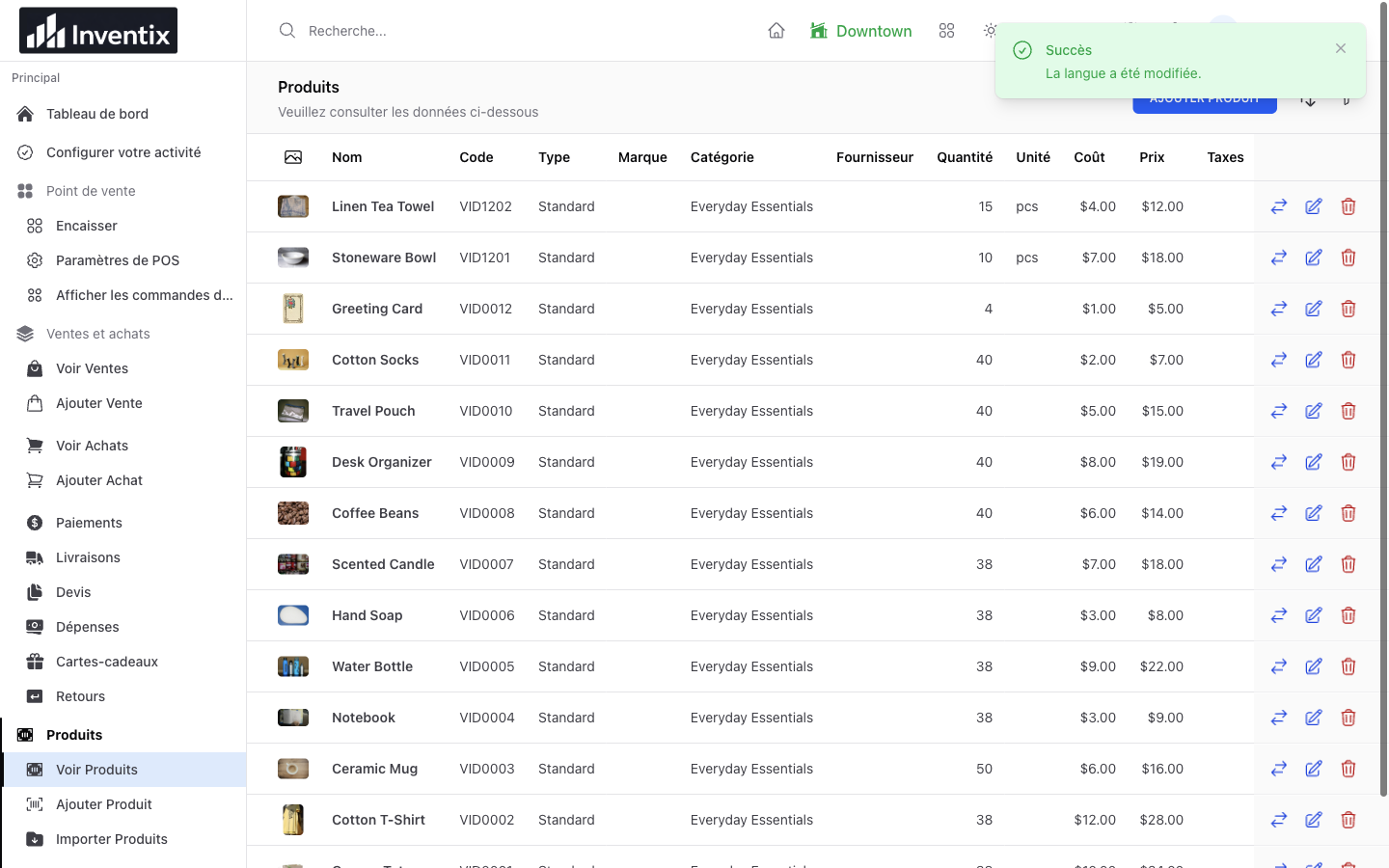
This is an actual French workspace view. English product names remain business-entered data, not untranslated copies of a second catalogue.
Some inherited screens, messages and printed documents may still use English. Availability of a language option is not a guarantee that every sentence, email or document has a complete native-language translation.
Keep your business data unchanged
Changing the interface does not rewrite your products, customers, suppliers or notes. A product called Ceramic Mug keeps that name unless you edit it yourself. Stock quantities and sales stay attached to the same stores and documents.
| What you change | What stays the same |
|---|---|
| Available interface language | Product and customer records |
| Supported navigation labels | Store quantities and history |
| Supported action labels | Staff permissions and allowed stores |
| Your account's saved choice | Currency, prices and configured taxes |
A language choice does not convert money or apply another country's tax rules. Review those separately in business settings.
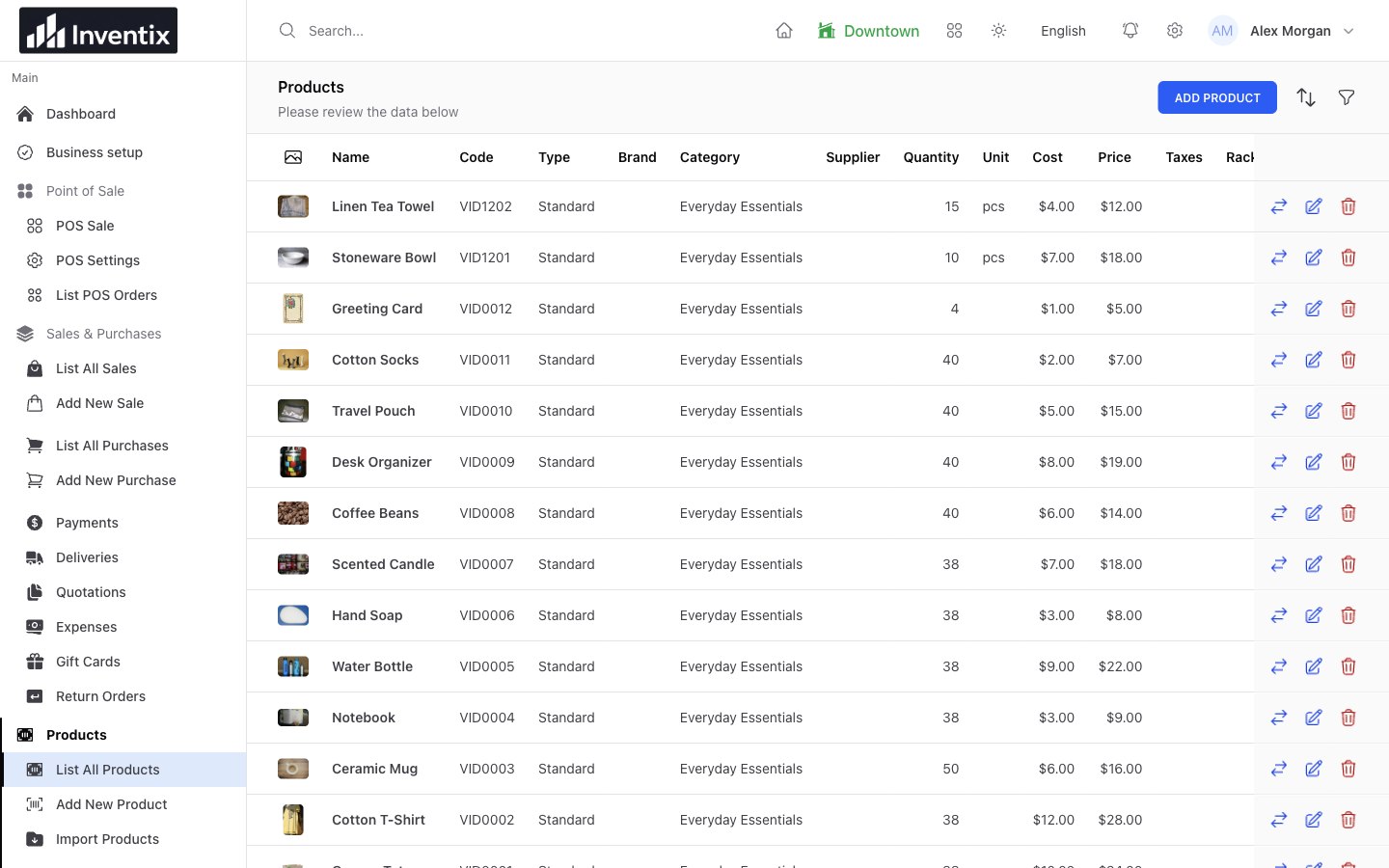
The English and French examples use the same local demonstration records. Interface labels change; the product codes, names and amounts do not.
Keep your choice with your account
Your selection is saved to your staff account and applies when you sign in again, including on another device. Each colleague keeps their own preference. It does not change everyone else's screen or the store's currency.
If a shared device shows an unexpected language, inspect its language control before changing product names or business settings. Your team is still looking at the same records.
Keep language and access separate
Let each colleague use their own account and the language option that helps them work. Their role and store assignment still determine what they may view or change.
A cashier choosing French does not gain access to another store or the owner's settings. Review permissions independently when someone takes on a different job. Explore staff access.
Website language is a separate choice
This public Inventix website, including articles and the help center, is currently English. Changing language inside your store does not translate these business pages.
Additional language coverage and separate native mobile applications remain planned work. Both billing schedules include the same currently available capabilities; choosing a different subscription interval does not unlock an unpublished language.
Your language questions
Are my product names automatically translated?
No. Business-entered names and notes stay as you wrote them. Translate your own descriptions separately if your customers need that, and keep codes consistent across your catalogue.
What should I do with an unclear label?
Check a familiar record or action, and ask support before relying on a confusing label during a busy shift. Include the screen and chosen language, but redact private customer details from screenshots.
Try it with a familiar task
Sign in with the colleague's account, choose an available language and find a known product. Check its price, open a familiar workflow and confirm their store access is still right.
Follow the workspace-language guide, read the multilingual-team article or ask support for help.