
The short answer
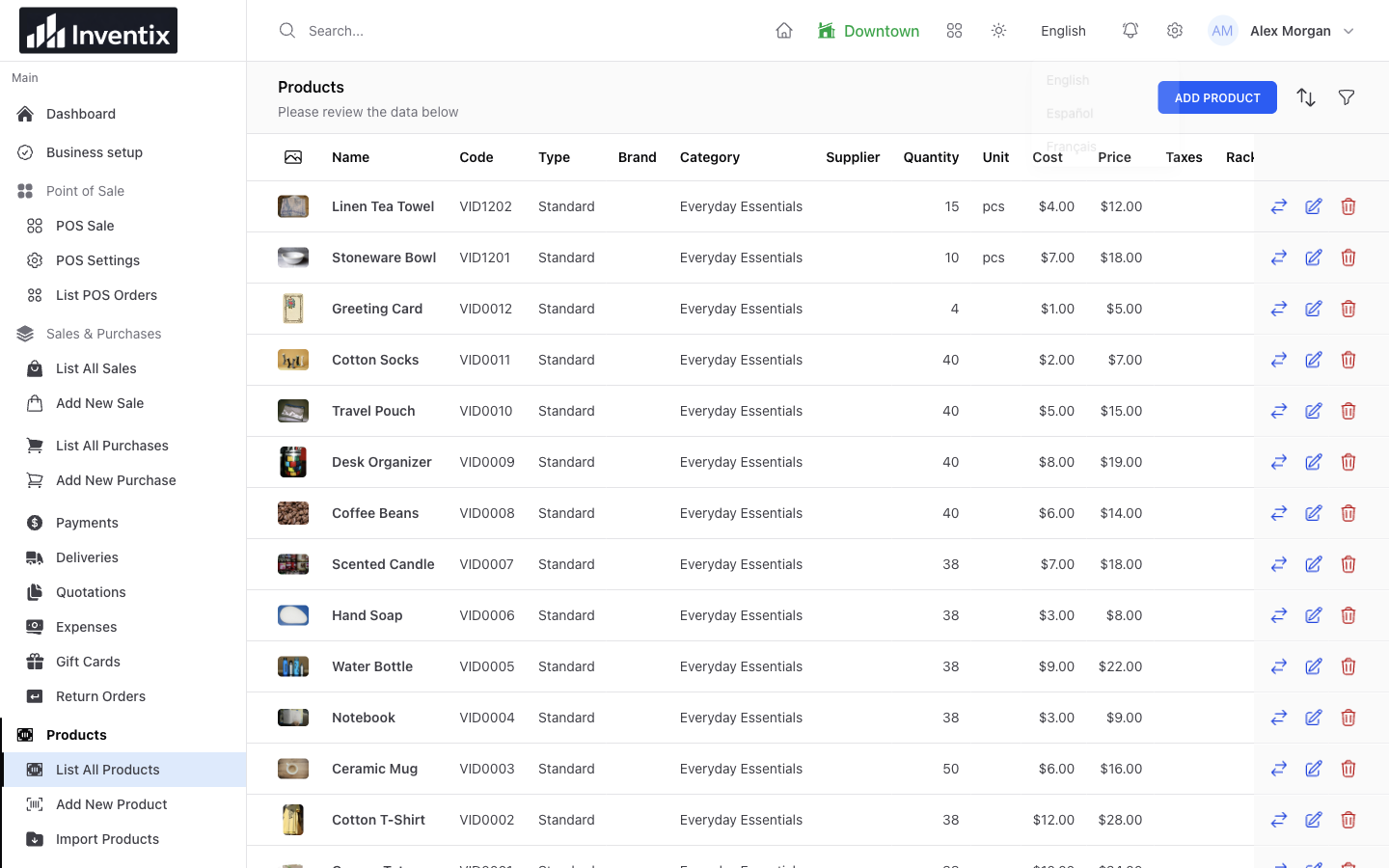
Inventix's workspace language control includes English, Spanish and French. Supported interface labels can change, but business-entered names, currency, taxes and permissions do not. The public website is a separate English-language experience.
Make the everyday actions easier to recognize
A new team member already has products, prices and store routines to learn. Familiar labels can make it easier to find the next action without asking the owner about every button.
Inventix includes English, Spanish and French options in the workspace language control. Choose an available language, then walk through the actions the person will actually use: find a product, add it to a cart and open a saved record.
Keep the records shared
The language choice changes supported interface labels, not the identity of the business records. Your team still uses the same products, quantities and customers.
If a product name was entered in English, it remains that business-entered name. A language control is not a translation service for your catalogue or customer notes. Decide how your store names products so that the team can recognize them consistently.
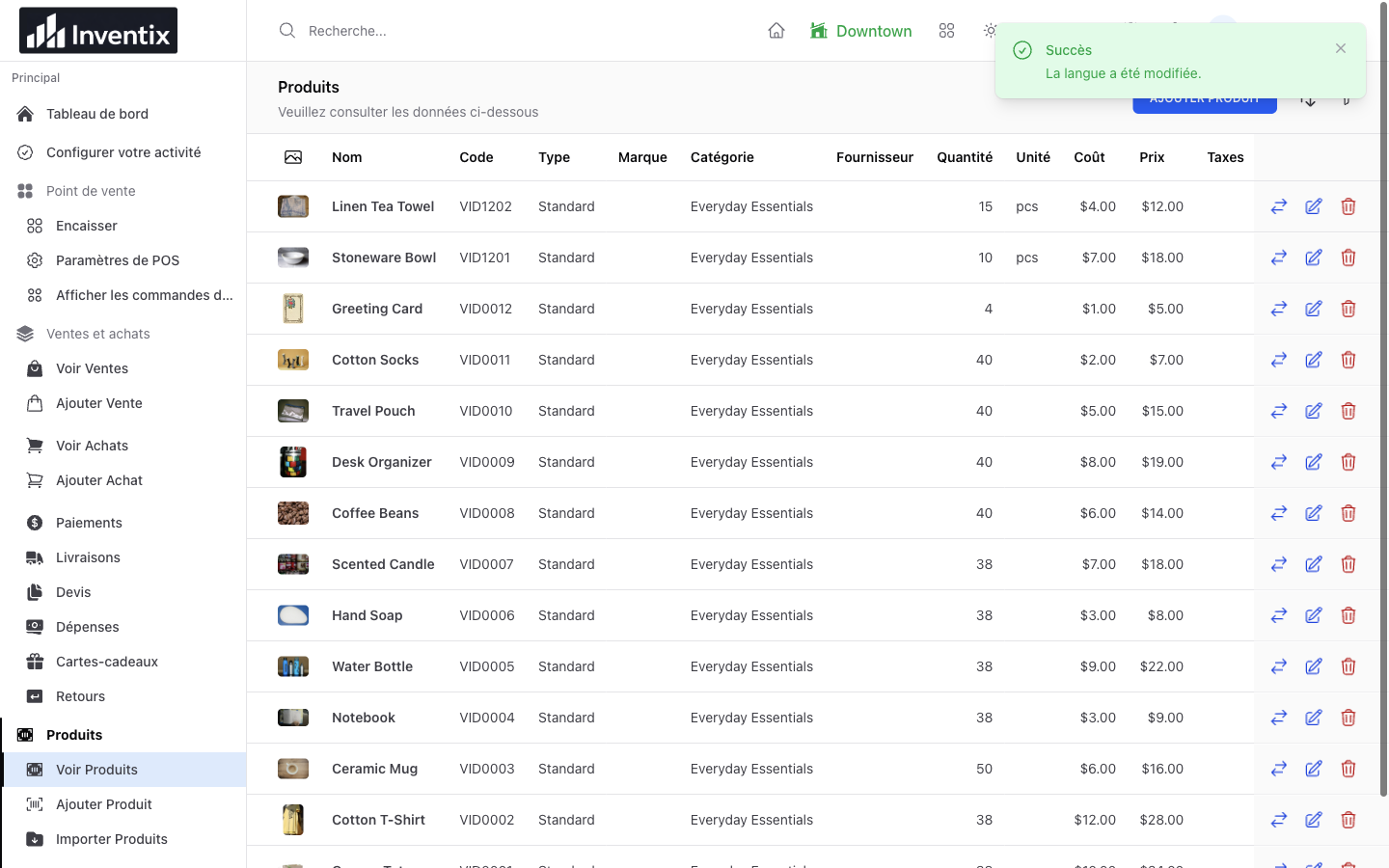
The screen above shows supported French controls around the same products. Some inherited screens, messages and documents may still contain English.
Check the choice on the device being used
The selection is saved to each staff account, so it follows that person when they sign in again on another supported device. It does not change their colleagues' preferences. On a shared phone, use individual accounts rather than sharing one login.
Follow the workspace-language steps and ask support about labels your team finds unclear.
Keep access and language separate
A cashier who prefers French still needs the right role and store access. A language choice does not grant permission to change prices, export records or manage another location.
Use individual accounts, assign the relevant stores and test one normal task together. Read the staff-permission guide before giving a new person broad access.
Do not confuse labels with local business rules
Choosing Spanish does not convert prices, set tax rates or certify an invoice for a particular country. Those are separate business settings and legal requirements. Review them before using any software for live transactions.
Likewise, the Inventix public website and this article remain English. Website translation and a store's interface language are different workstreams.
Start with a useful shared workflow
Instead of teaching the entire menu, choose a small sequence the new employee needs today. Find the right product, confirm its price, follow checkout and open the receipt. Let them repeat it on the device they will use.
Use business setup and POS guidance to make that first shift easier, with free setup guidance included in the trial.