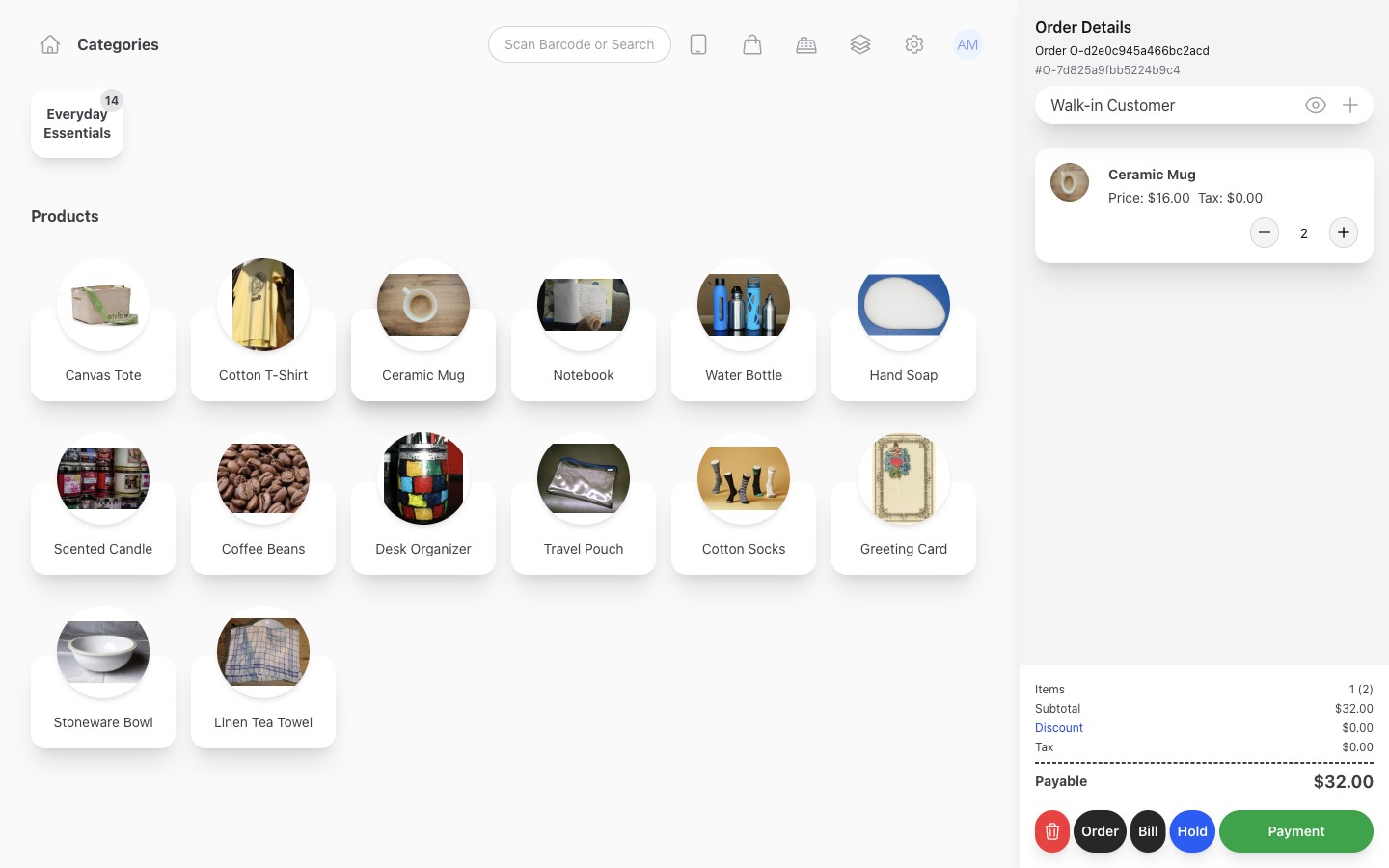
Find the right product
A customer puts an item on the counter. Search its name or product code, or scan its barcode with compatible equipment. Select the right product or variant and add it to the basket. Your team can work from recognizable names and codes rather than memorize a growing catalogue.
Choose the store you are selling from before starting. The shared catalogue helps everyone find the same product; the location determines which stock and sales records belong to this checkout.
Make the basket fit the sale
Change the quantity, select the customer and review the prices before taking payment. Apply the discounts and configured taxes your role allows. When a customer has an applicable group price, check the updated total rather than relying on the price you saw before selecting them.
Use a wide screen at a busy counter or the phone already in your hand. You are using the same online workspace, not a separate set of mobile stock records.
Hold a basket, keep serving
Your customer goes back for one more item. Hold their basket, serve the next person and resume the saved order when they return. Keep the selected products and customer together instead of rebuilding the sale from memory.
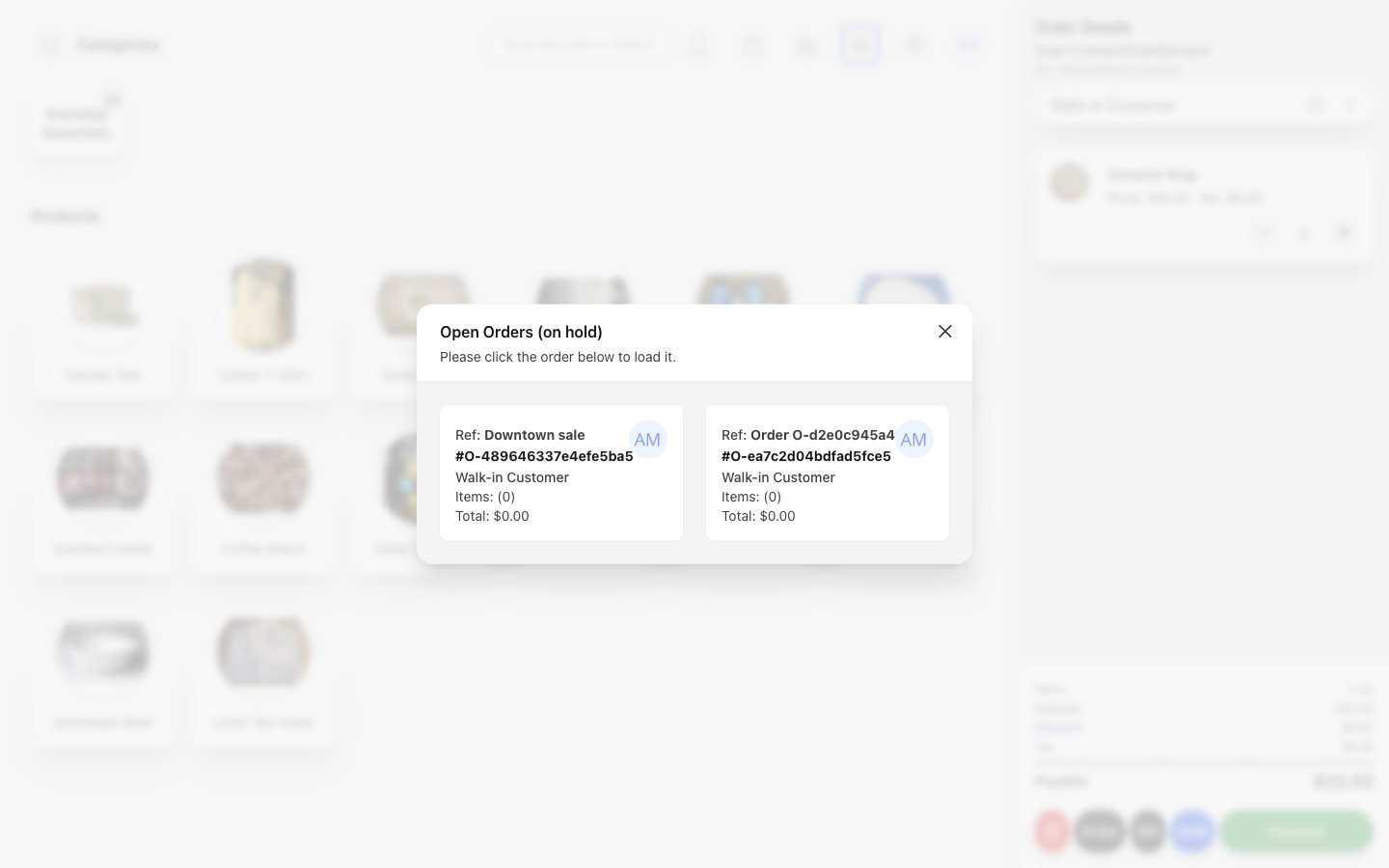
Held orders keep unfinished baskets available while you serve another customer. A held basket is not a completed, paid sale.
Record how the customer paid
Record cash, a manual card payment or supported split payments against one sale. If the customer pays only part, keep the unpaid amount with that sale rather than creating a second transaction for the balance.
For example, a $60 basket paid with $40 cash and $20 through your card provider is one $60 sale with two payment records. Confirm the external card payment with your provider before recording it in Inventix.
Leave a clear record behind
Once the sale is completed, find its receipt, customer and payment history from the saved record. Tracked stock reflects the sale, and the transaction appears in the relevant reports. You can answer a later question by opening the original reference, not guessing from a cash total.
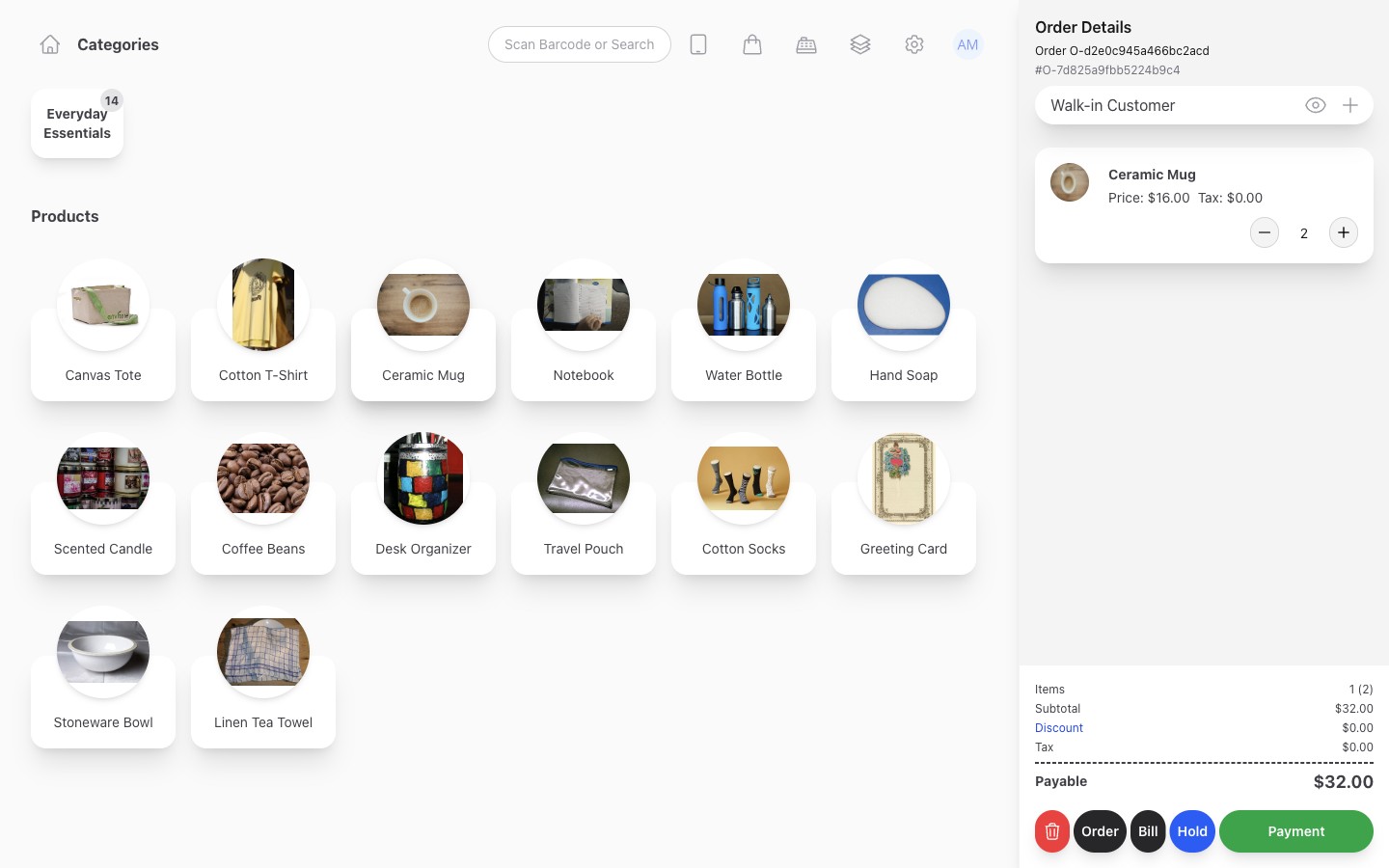
The saved sale connects the checkout to its receipt and the amounts recorded against it.
Prepare receipts or follow the day's sales.
Give each cashier their own register
Use individual staff accounts with the right store access. Open a register with its opening cash, serve customers and review the session before closing. Staff can do their job without sharing your owner login.

Register totals help you review a checkout session. Count the cash you actually have before closing it.
Your checkout questions
Do I need a dedicated POS terminal?
No expensive POS terminal is required to begin. Start with the device you already have and a supported browser. Card terminals, printers and scanners have their own compatibility and setup requirements.
Can I sell without an internet connection?
The current workspace needs internet access. It does not confirm offline sales and upload them later. Phone access also does not automatically provide camera barcode scanning.
Make your first sale
Add a few products, check their prices and stock, then complete a practice sale in a test workspace. Follow it into the receipt and reports before serving your first real customer.
Follow the checkout walkthrough, open your first register or ask for free setup help.