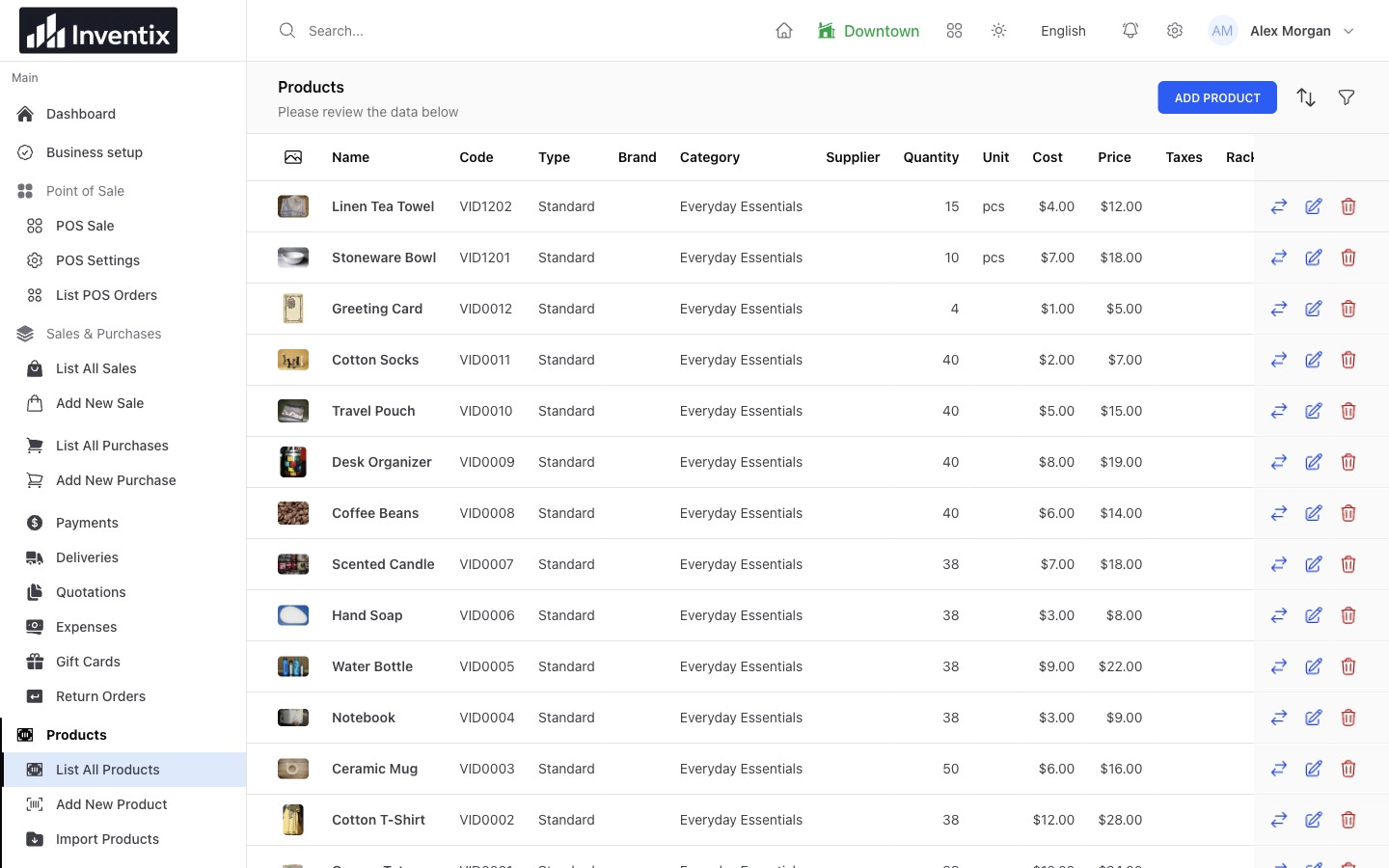
Give every item a clear identity
Keep the product's name, code, unit, cost and selling price in one record. Organize the catalogue with categories and brands so similar products remain easy to find as it grows. Use supported variants for options such as size or color, with the codes your team will search or scan.
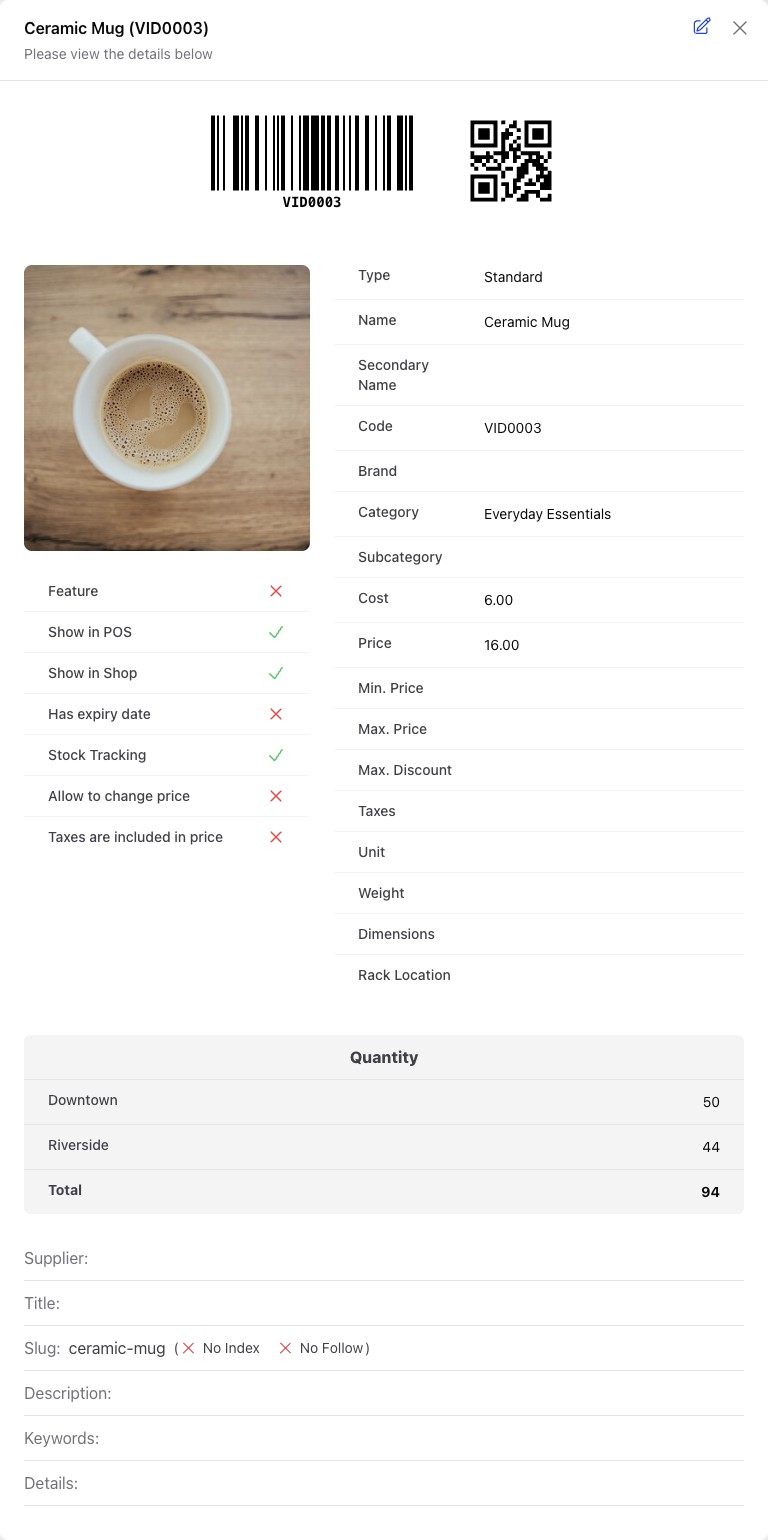
The product record brings its identifying details and stock settings together. Use distinct codes for items you need to distinguish at checkout.
Check the store, not just the total
A customer asks for three mugs. Twenty across your business does not mean twenty in the shop serving them. Select the location, find the item and check its availability before committing to the sale.
Your stores share product details while keeping location-specific quantities. If another shop has spare stock, use a stock transfer rather than buying again or manually changing both locations.
Let daily work update stock
Record the work once, where it happens. A received purchase adds tracked stock. A completed sale reduces it. A transfer moves existing stock between your locations. Supported returns and adjustments explain other changes.
| What happened in your store | Record it as | What to check next |
|---|---|---|
| A supplier delivered goods | Received purchase | Receiving store and actual quantities |
| A customer bought an item | Completed sale | Selling store and selected variant |
| Another shop needs stock | Transfer | Source, destination and quantity |
| A known quantity is wrong | Adjustment | Reason, reference and resulting stock |
These are different business events. Keeping them separate makes the resulting quantity easier to explain.
Catch low stock before the next order
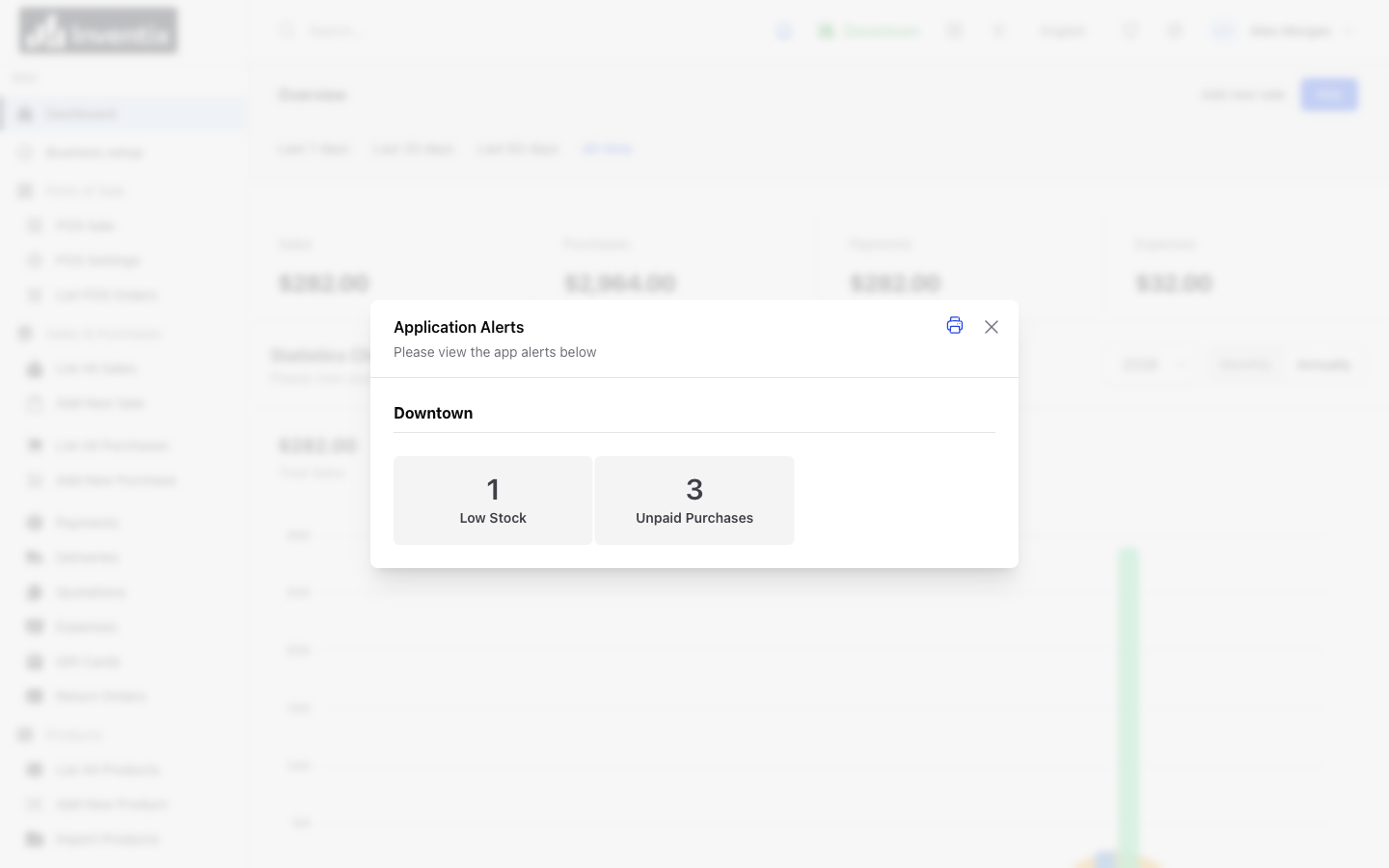
Set low-stock levels for tracked items and review the products that need attention. Check the affected location and recent activity before deciding what to buy. A product moving quickly in one store may be sitting in another.
Low-stock visibility is an in-product review tool. It does not automatically order from suppliers or promise email and SMS notifications. Set your review levels.
Count, correct and keep the context
Compare the stock on the shelf with the stock in Inventix. Count a manageable set, review differences and investigate missed sales, deliveries or transfers before correcting them.
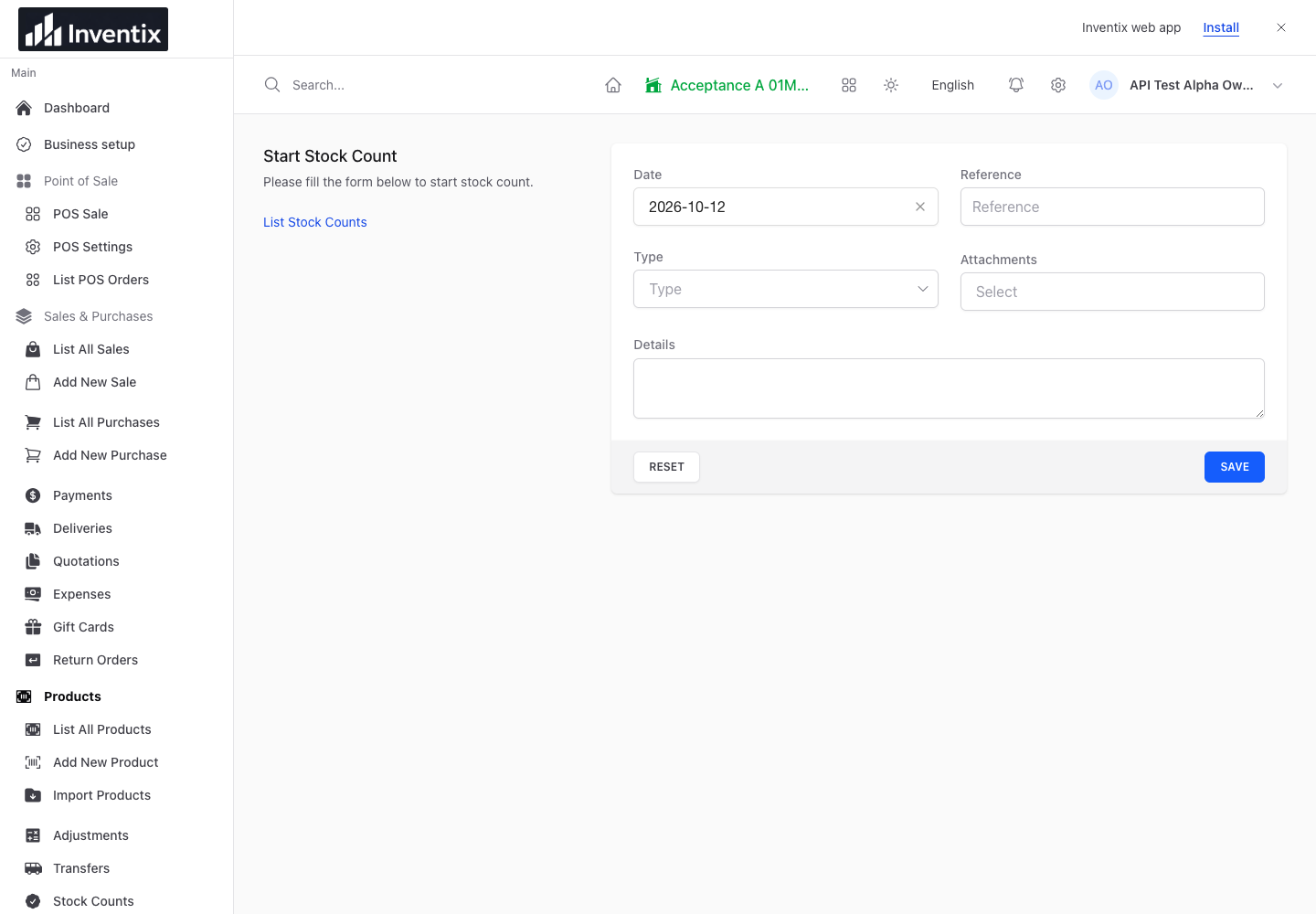
A stock count starts from a physical check. Review newer movements before applying an old count.
If stock changed after you began counting, refresh the count rather than overwrite newer work. For an identified correction, record an adjustment with a useful reference.
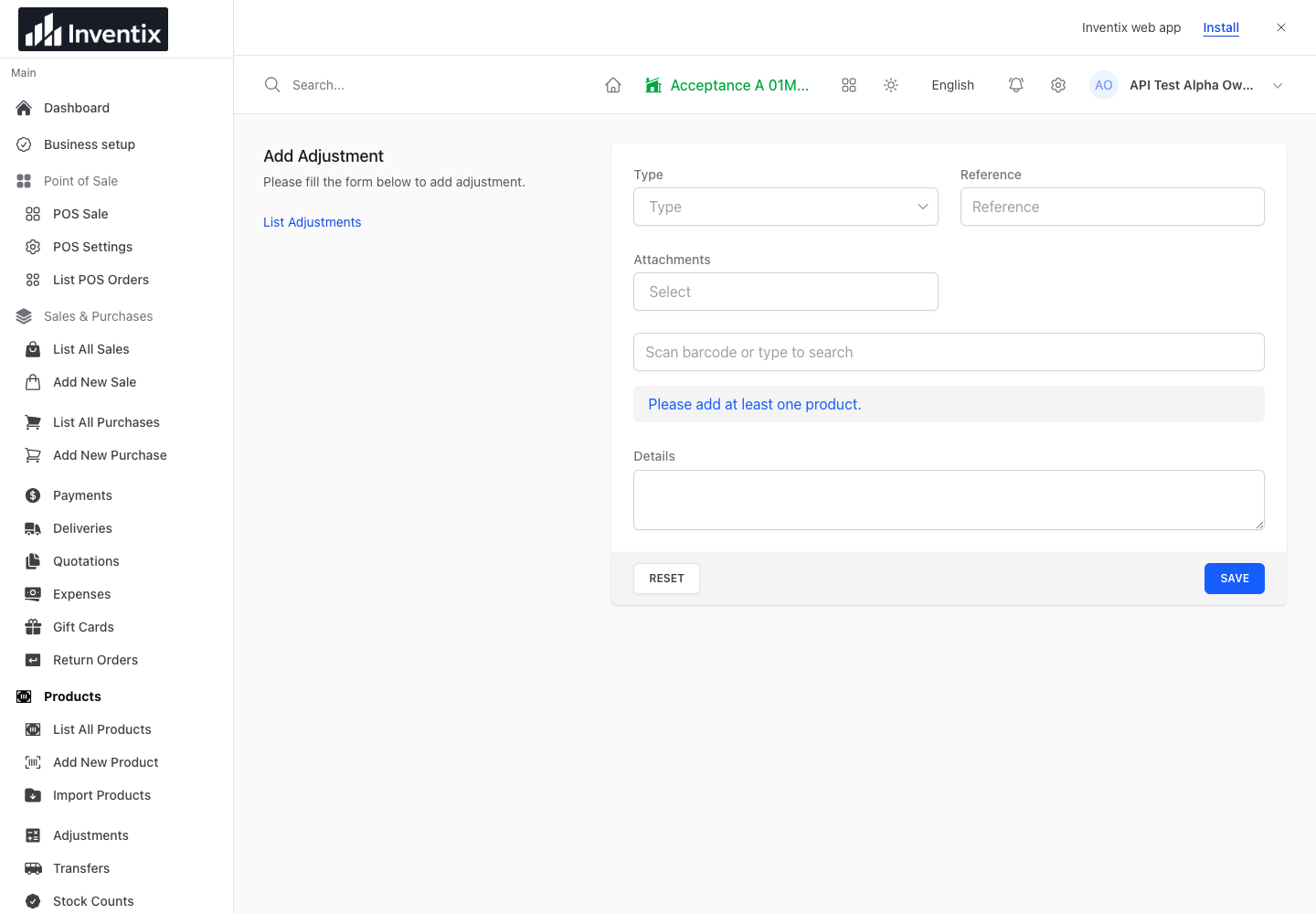
An adjustment explains a correction; it is not a substitute for recording an unentered sale or supplier purchase.
Bring existing products with you
Import CSV or Excel files, match the columns and preview the products before saving. Start with a small sample so you can confirm codes, prices and opening quantities. Existing products can be updated through the supported import options rather than duplicated.
Explore product imports. File limits apply per batch, not to the total number of products included in your subscription.
Your inventory questions
Can I manage sizes and colors?
Use supported product variants and keep their codes and stock accurate. Try a representative product during setup to confirm that your combinations fit the current workflow.
What if my products need specialist tracking?
Ask us first about serial-number tracking, automated expiry allocation or other specialist stock rules. Do not assume ordinary product stock records include those workflows.
Put your first products to work
Add or import a few real examples, confirm each store's starting stock and follow one sale through to its stock change. Then bring over the rest of your catalogue.
Follow product setup, run a stock count or get free setup help.