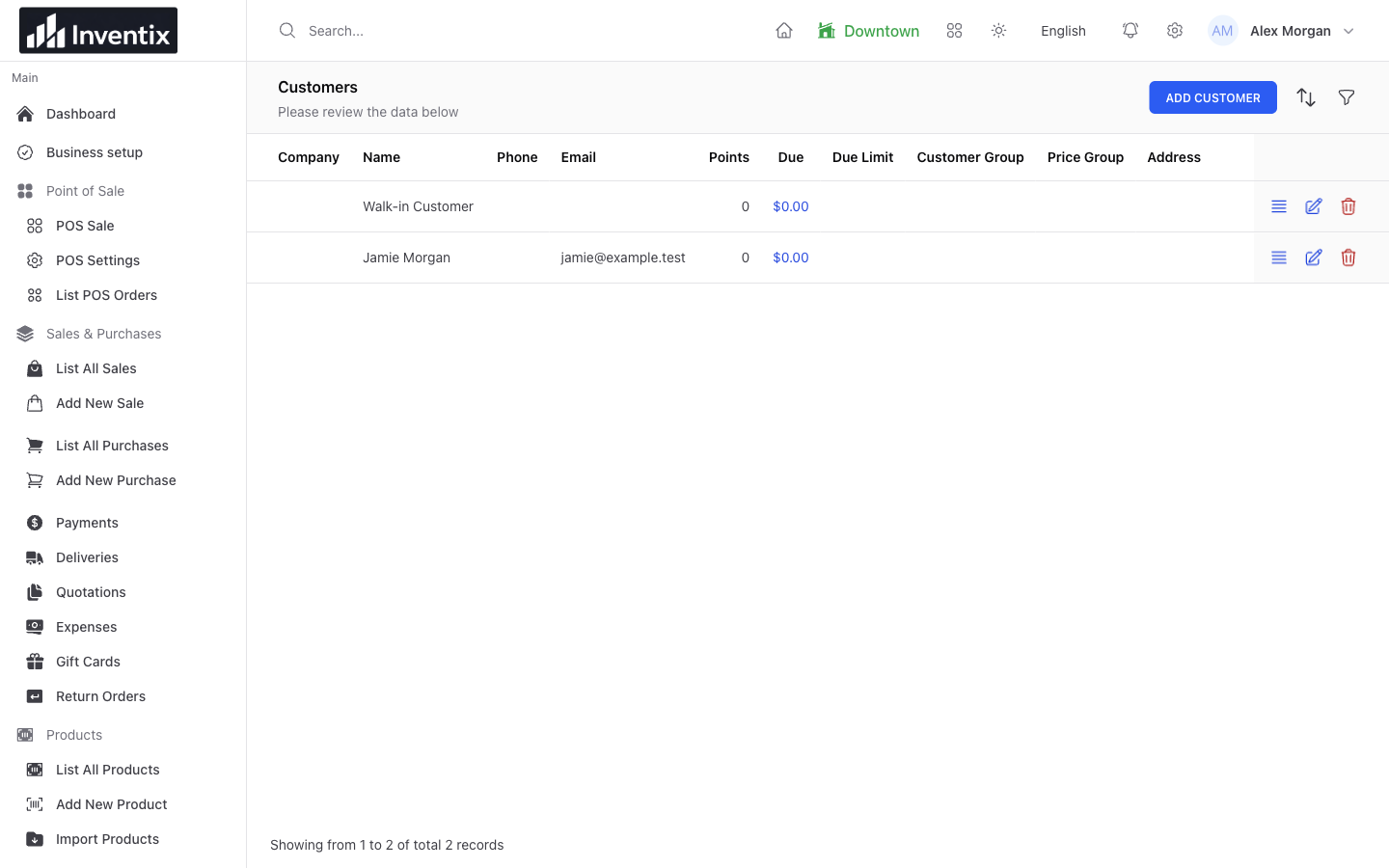
Find the person, not another duplicate
A regular customer comes back. Search the existing customer records before adding a new profile. Keep the name and useful contact details together so their next purchase and payment do not end up in a second, disconnected record.
Collect only the information your business needs and is permitted to hold. A recognizable profile helps your team serve the customer; it does not require you to store every possible detail.
Connect the customer to the sale
Select the correct customer at checkout when you want the purchase associated with that person. Review the basket again if their customer or group selection changes an applicable price.
Your team can then find the original sale when the customer asks about an item or returns to pay. A receipt reference and customer history are more useful than an unlabelled payment notification.
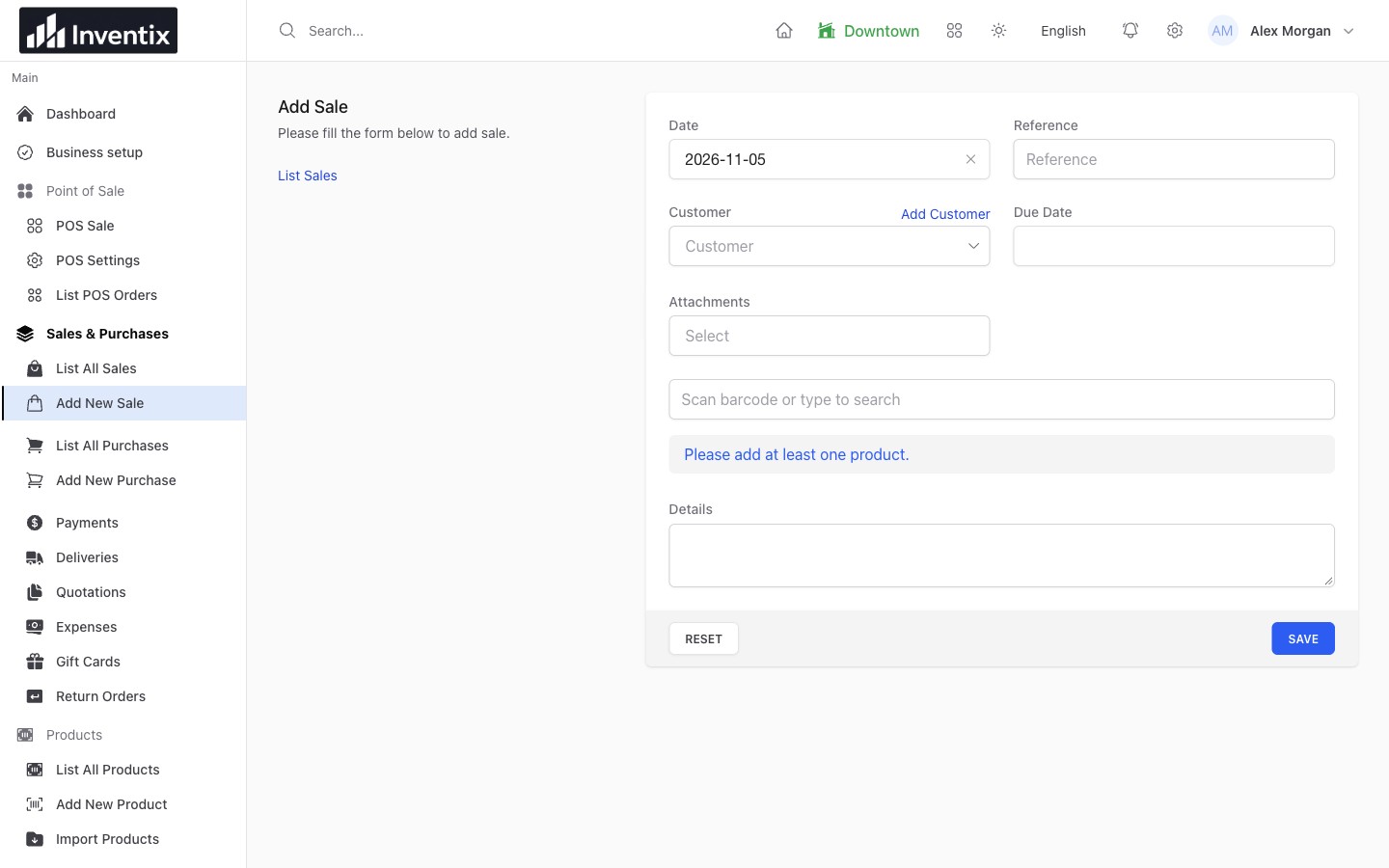
The sale is the transaction record. Linking the correct customer gives it a useful place in their history.
Answer the next question from history
Open the customer's details or statement and match the dates, document references and payments. Use the original sale to answer what was bought; use payment records to see what was recorded as received.
If a balance looks unexpected, check opening balances, returns, credits and possible duplicate profiles before treating it as unpaid money. Distinguish an amount due from an advance labelled Adv in the workspace.
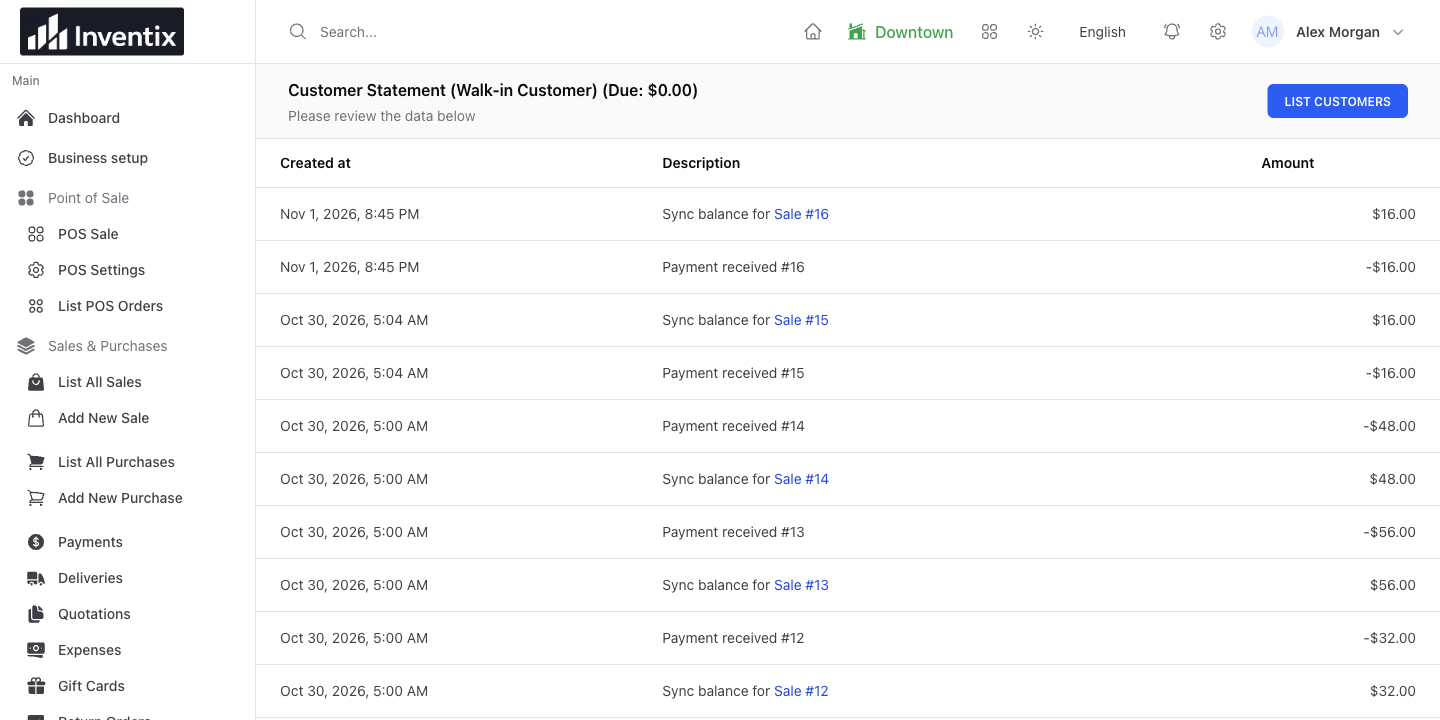
The statement puts the customer's records in context. Match its references to the original documents when investigating a balance.
Collect later without selling twice
Suppose a customer buys $60 of goods and pays $40 today. The remaining $20 belongs to that same sale. When it arrives, add the payment through the existing sale or customer-payment workflow rather than create another $20 sale.
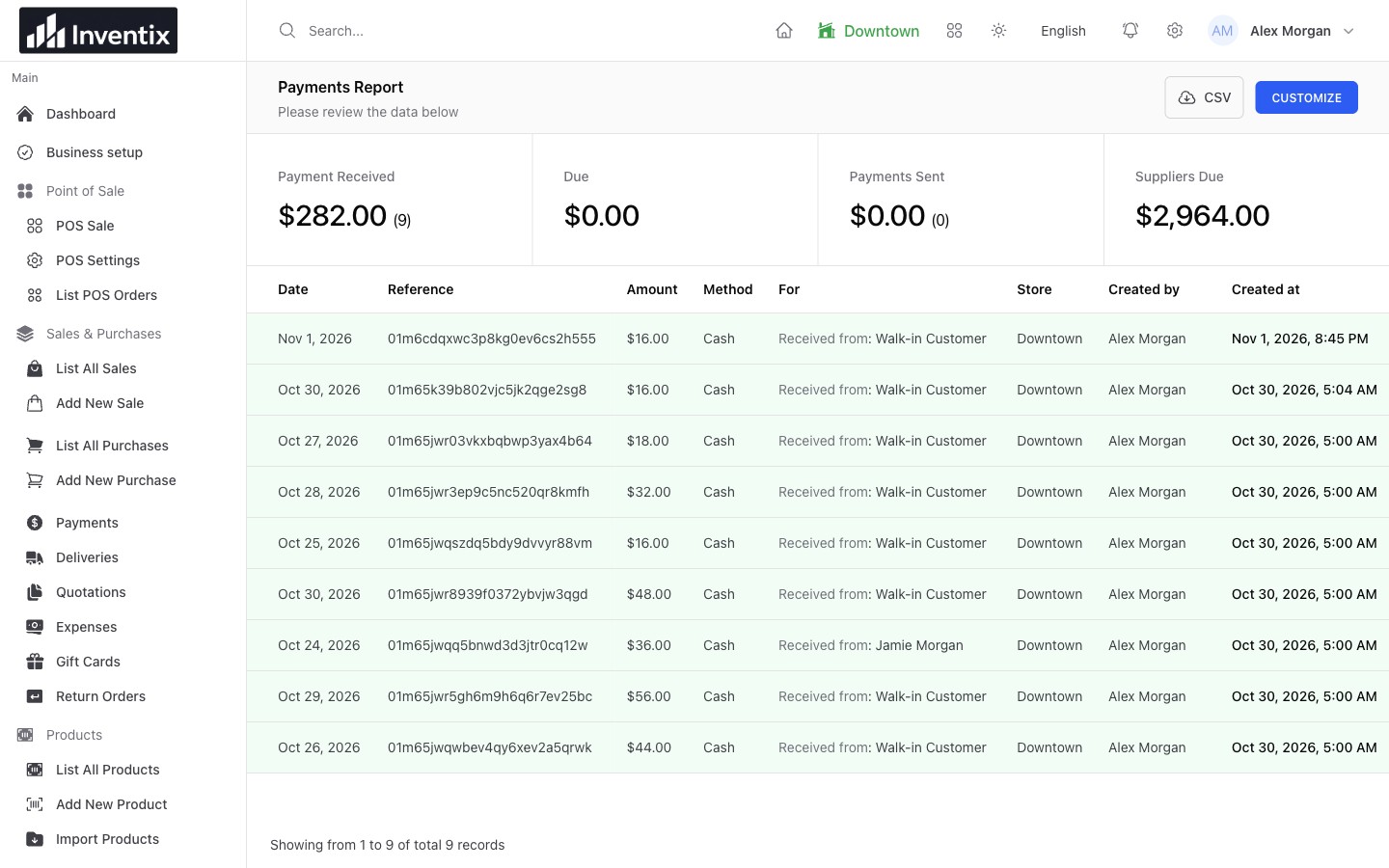
The payments report helps trace recorded money. The related customer and sale explain the outstanding balance.
Confirm the saved payment and resulting balance after recording it. For card and bank payments, confirm the external transaction separately; a manual card record does not charge the customer.
Keep returns with the original story
Find the original document and use the appropriate return workflow. Review the stock movement and customer balance together so a returned item does not leave an unexplained financial difference.
Complete any external money refund with the customer's payment provider and keep its reference. A return record in Inventix is not proof that the provider has sent money back.
Give staff useful, not unlimited access
Let the people serving customers reach the records their job needs. Use individual accounts and suitable permissions rather than share an owner login. Review access when someone changes responsibilities or leaves.
Customer contact details are business data. Redact them from public screenshots and support examples when they are not needed to explain an issue.
Your customer questions
Is this a marketing automation system?
Customer profiles, history and balances support retail operations. The current feature is not a built-in email campaign, loyalty-points or automated marketing program.
Can I bring over an existing customer list?
Use the supported customer-import workflow and test a small sample first. Check for duplicate people and verify opening balances before importing the rest. Follow people imports.
Set up your first customer
Create or find a profile, attach a test sale and follow its history and payment. Make sure your team can find that same record before bringing over a larger customer list.