Before opening
Review low stock, open the register, and make sure each staff member can reach the right store. Product codes, prices, configured taxes, and starting quantities should be ready before the first customer.
Open the register and choose staff access.
At the counter
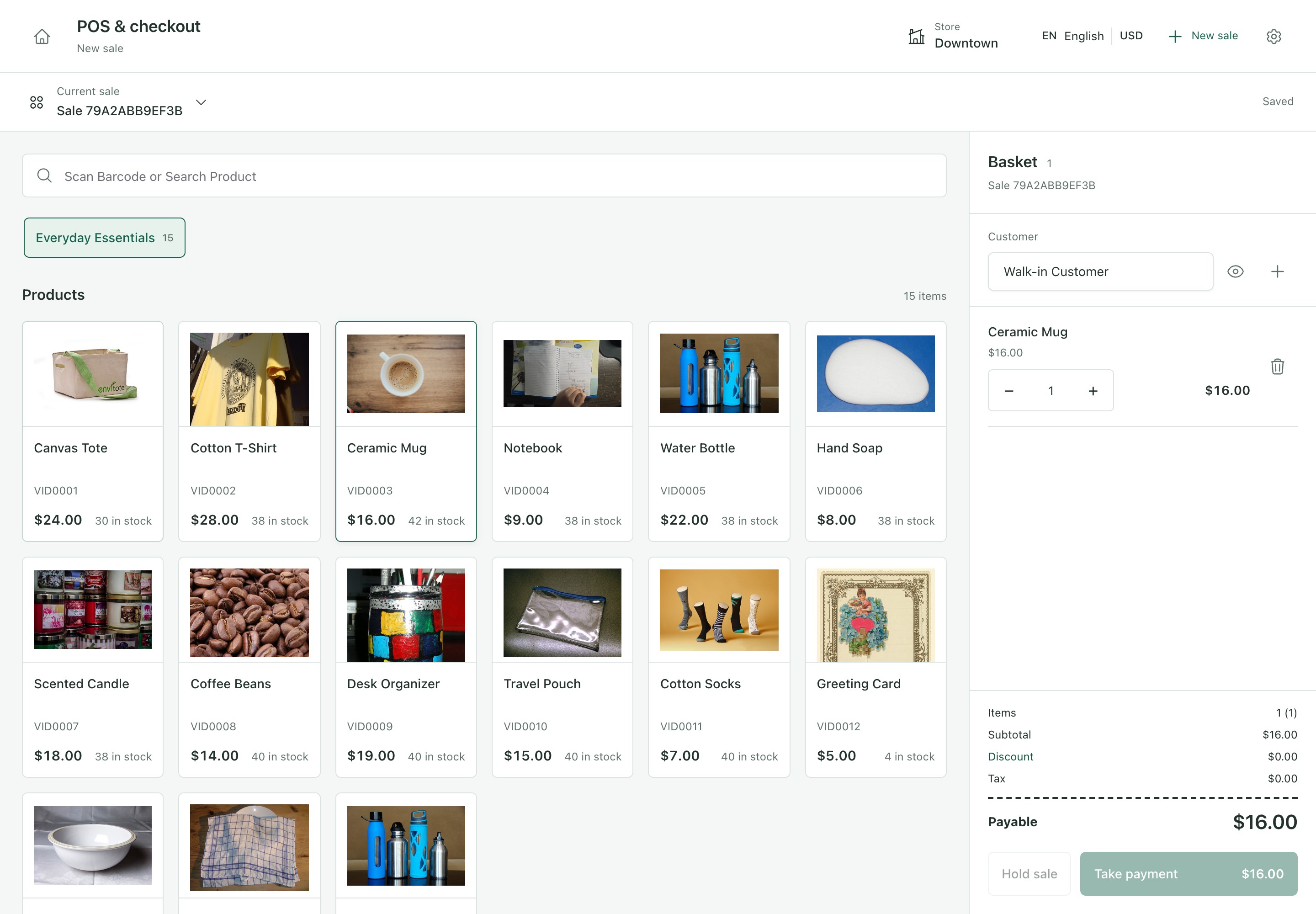
Search or scan the product, select the customer if needed and check the total. Hold a cart while a customer decides, then record payment when the sale is ready.
Between customers
Record the stock a supplier actually delivered, correct a known stock difference, or check what needs reordering without switching to a spreadsheet. Each action keeps a reference so you can explain the quantity later.
Receive supplier stock, review low stock, or check customer balances.
At closing
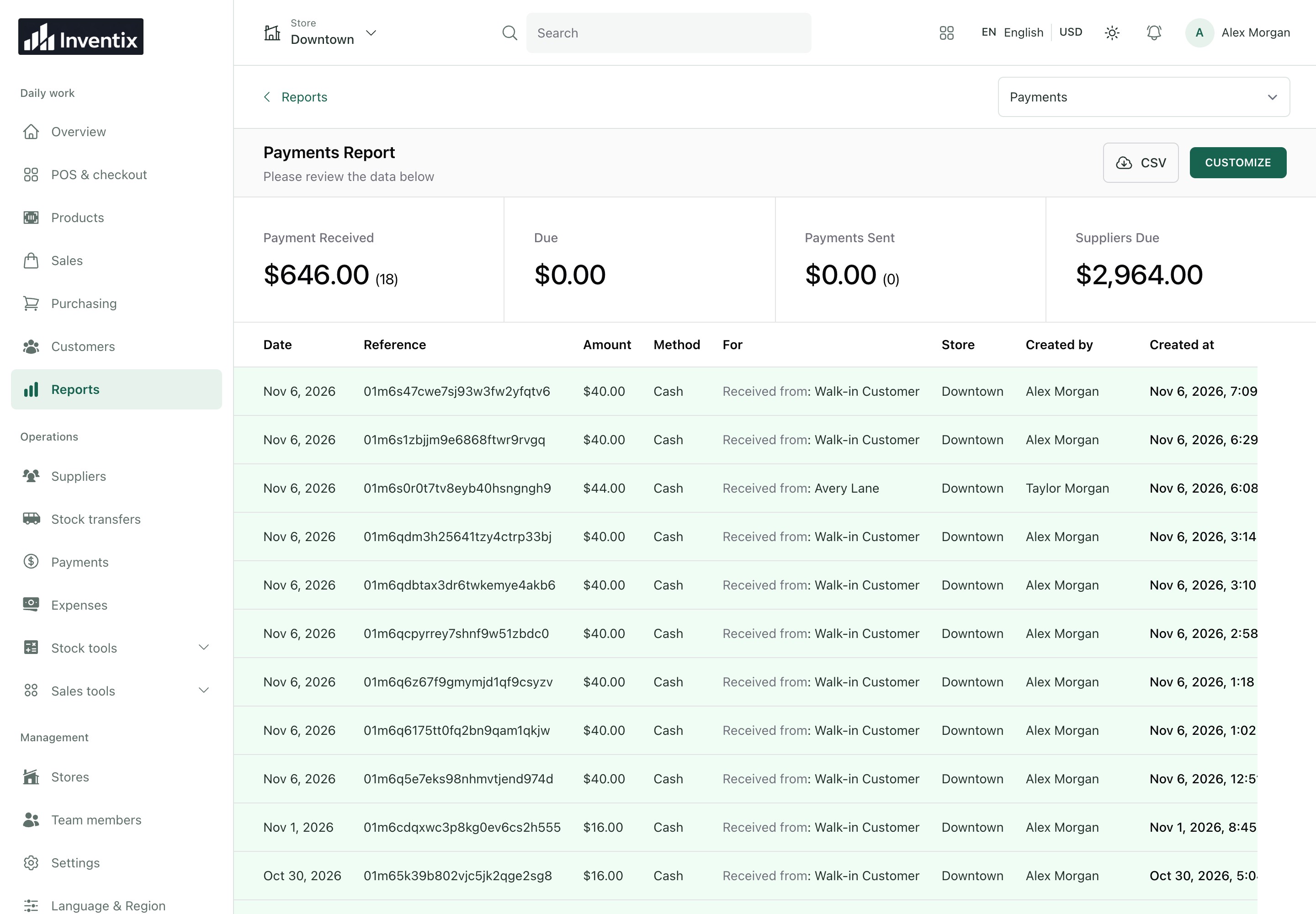
Close the register and compare sales with money actually received. Review returns and outstanding balances before treating a difference as missing money. Use the reports to open the records behind a total.
A good fit when
Your store sells ordinary products or supported variants, records supplier purchases, uses a counter checkout, and needs traceable stock and payment records. The web app works on phone and desktop browsers.
| Your retail business | A useful first test |
|---|---|
| Fashion, footwear and accessories | Sell a size or color variant and check its remaining stock |
| Gifts, homewares, beauty and specialty goods | Receive a delivery, sell an item and review the customer record |
| Pop-ups and market stalls | Complete a phone checkout using a reliable internet connection |
| Two or more shops | Transfer a known product and verify the quantity at both locations |
| Grocery, pharmacy or other regulated products | Ask us about batch, expiry, prescription and local compliance needs before choosing |
| Electronics, vehicles or dealerships | Confirm any serial, warranty, vehicle and finance requirements separately |
Start with the device you already have. No expensive POS terminal is required to begin using the software. External card terminals, scanners and printers remain separate equipment to test, and manually recording a card payment does not process a card charge.
Check specialist requirements before you commit
Your workflow requires serial tracking, automated expiry allocation, offline trading, or jurisdiction-specific fiscal integrations. Those capabilities are not certified in the current release.
Start with the setup guide, review current plans or ask about your store.
Both billing schedules include the same current capabilities without subscription limits on stores, products or staff. Follow a mobile retail workflow before deciding whether Inventix fits your business.