Guides and page contents
Search all guidesSet a useful thresholdReview the right storeChoose the next actionRelated guidesSet low-stock levels and review what to reorder
Use a stock threshold as a reminder, then check the store and supplier before buying.
Set a useful threshold
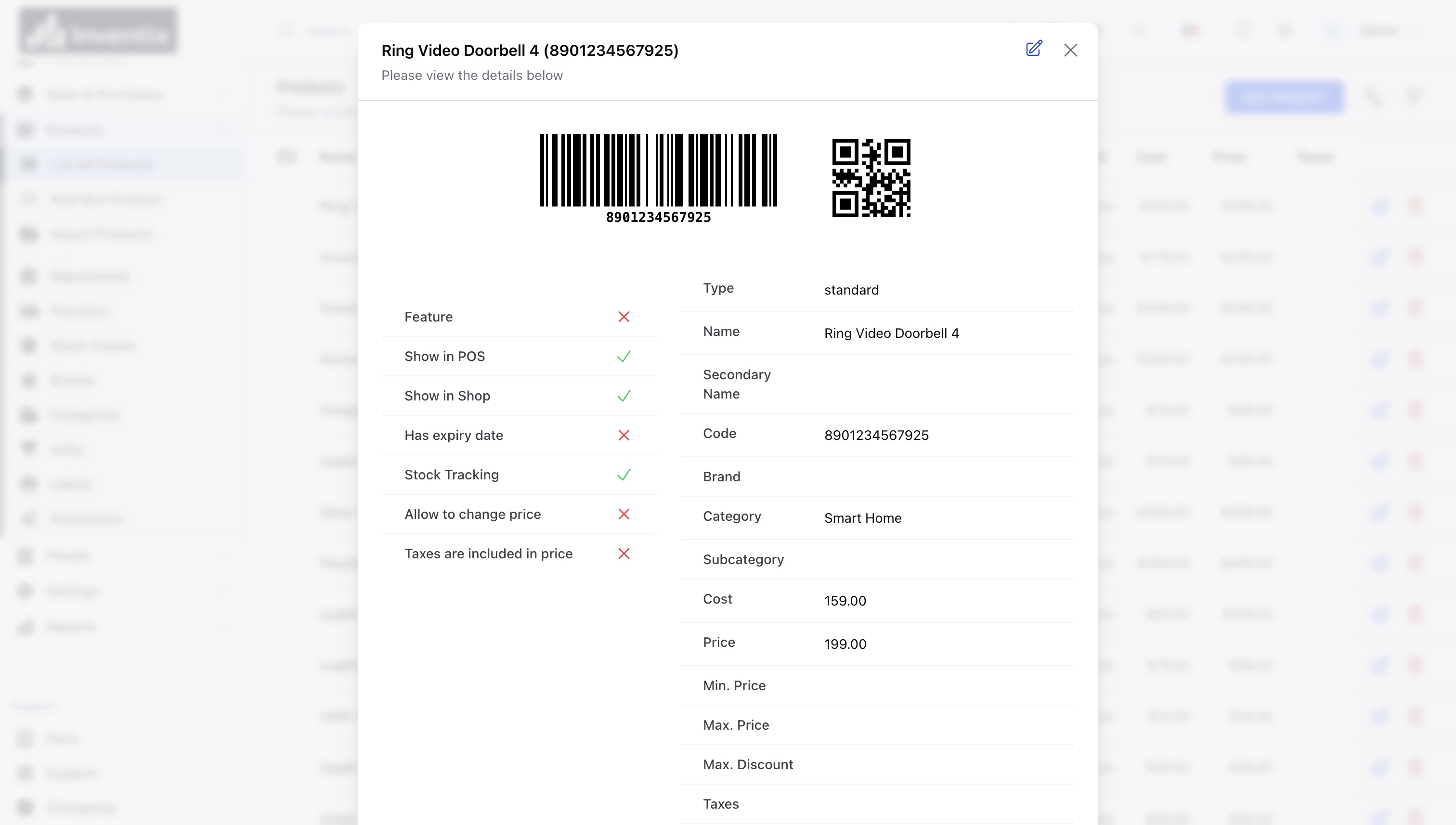
For a stock-tracked standard product, open its product form and find Alert (Low Stock) Quantity. Enter a non-negative quantity that gives you time to review replenishment, then save.
Where you configure individual store stock, check the per-store alert quantity too. A global product level and a store-specific level should not be confused. Service products or items without stock tracking are not ordinary stock-alert cases.
Review the right store
Check the workspace's stock alerts/reorder view and the affected product's store quantity. Product lists can show combined stock when no individual store is selected. Apply the store filter before deciding whether that particular location needs stock.
For example, Downtown holding 4 units and Riverside holding 20 does not mean Downtown has 24 available. Check whether Riverside can spare a transfer before placing a new supplier order.
Choose the next action
- Confirm the quantity, variant and unit.
- Review recent sales and any known incoming delivery.
- Choose a transfer if another store can supply the item.
- When supplier stock arrives, record a received purchase.
- If the quantity seems wrong, investigate or perform a stock count.
The threshold is a review aid, not a demand forecast or an automatic supplier order. This guide does not promise email/SMS stock notifications. The current web reorder query includes tracked balances at or below the configured alert level. Always check the affected store and product rather than interpreting a business-wide alert count as a purchasing quantity.
Read the worked reordering example and adjust your threshold to your supplier lead time and real sales pattern.
Still stuck? Tell us what happened. Never include your password or recovery codes.