Guides and page contents
Search all guidesBefore you startBuild the saleRecord paymentCheck the resultHold or return to an orderConnection or printing problemsRelated guidesComplete a sale at the counter
Open a register, add products, record payment and check the receipt.
Before you start
You need POS access, access to the selected store, available stock for tracked products and an open register. Use a reliable connection. Do not sell offline and expect Inventix to synchronise the sale later.
Build the sale
- Open Point of Sale > POS Sale and open the register if prompted.
- Scan a barcode or type a product name into the search field.
- Check the quantity, unit and selected variant in the cart.
- Select the customer if the sale should use a customer or group price list.
- Review prices, discounts, taxes and the amount due before choosing Payment.
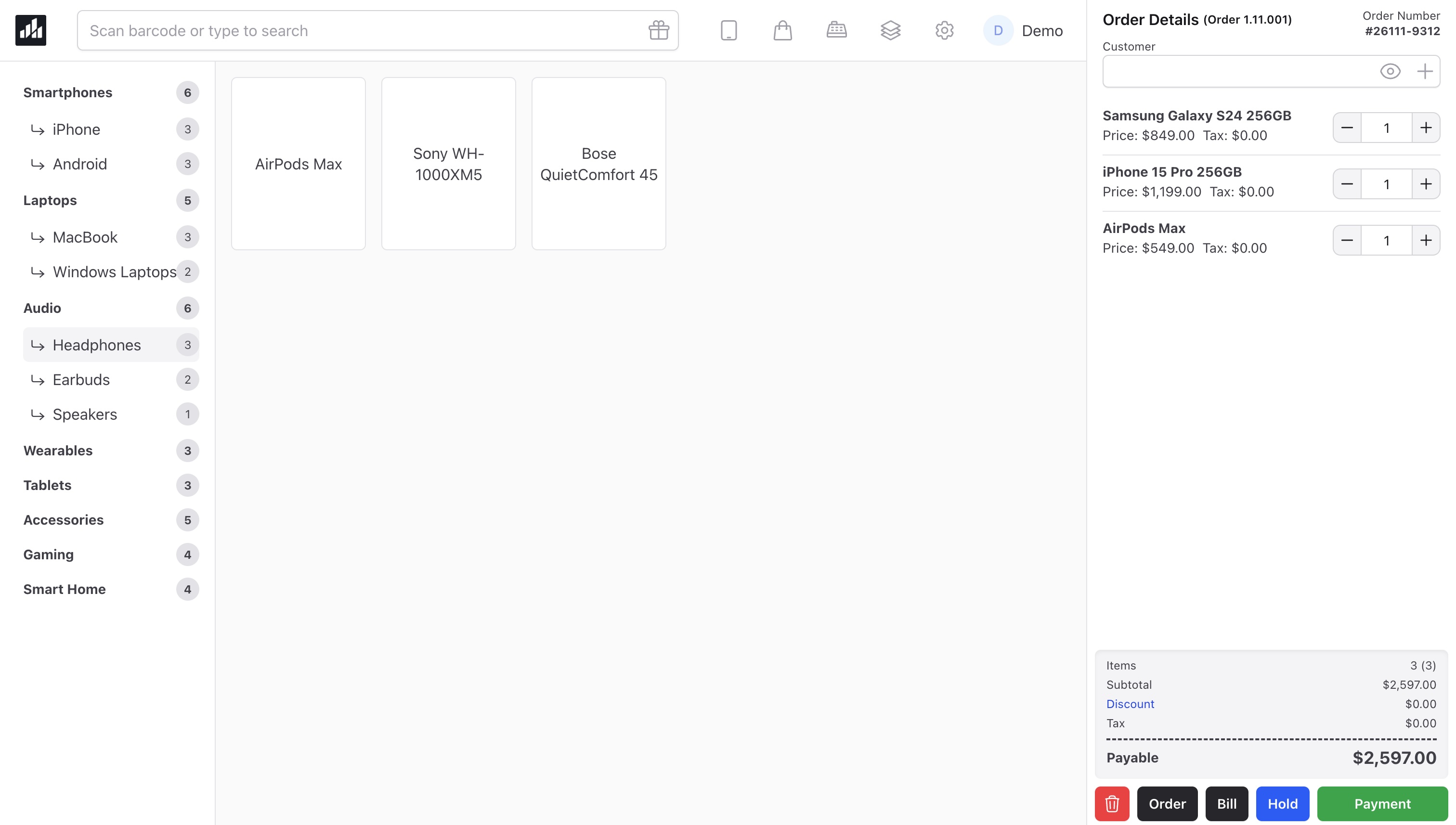
Prices can change when you select a customer. A clerk's permitted discount and price changes depend on the assigned role; a visible field does not grant unrestricted pricing access.
Record payment
Choose the enabled payment method and amount, then complete the sale. Cash and manual-terminal records are supported. If your customer pays on a separate card terminal, confirm success on that terminal before recording the payment in Inventix.
Inventix subscription billing through Lemon Squeezy is separate from your customers' shop payments. Recording a card payment here does not itself charge the card.
Check the result
The completed sale has a receipt or sale record, a payment record and the corresponding stock movement. Check the record before retrying if the screen takes longer than expected.
Hold or return to an order
Use Hold when you need to leave a cart and return to it later. A held order is not a paid sale. It must still pass price, permission and stock checks when completed. See held orders.
Connection or printing problems
Do not treat a cached page as proof that a sale completed. Follow connection recovery before retrying an uncertain payment. Receipt output must also be checked on your own printer and paper size.
Continue with split payments, returns and reports.
Still stuck? Tell us what happened. Never include your password or recovery codes.