Guides and page contents
Search all guidesBefore you receive the deliveryRecord the purchaseCheck what changedRecord payment when money movesRelated guidesReceive stock from a supplier
Record what arrived, check the new stock, and keep supplier payments separate.
Before you receive the delivery
Choose the store receiving the goods. Have the supplier, product codes, quantities, costs and delivery reference ready. You need permission to create purchases and access to that store.
The current purchase form records a received purchase. Saving it affects stock; it is not a draft purchase order to send before goods arrive. Do not enter an expected delivery as received merely to remember an order.
Record the purchase
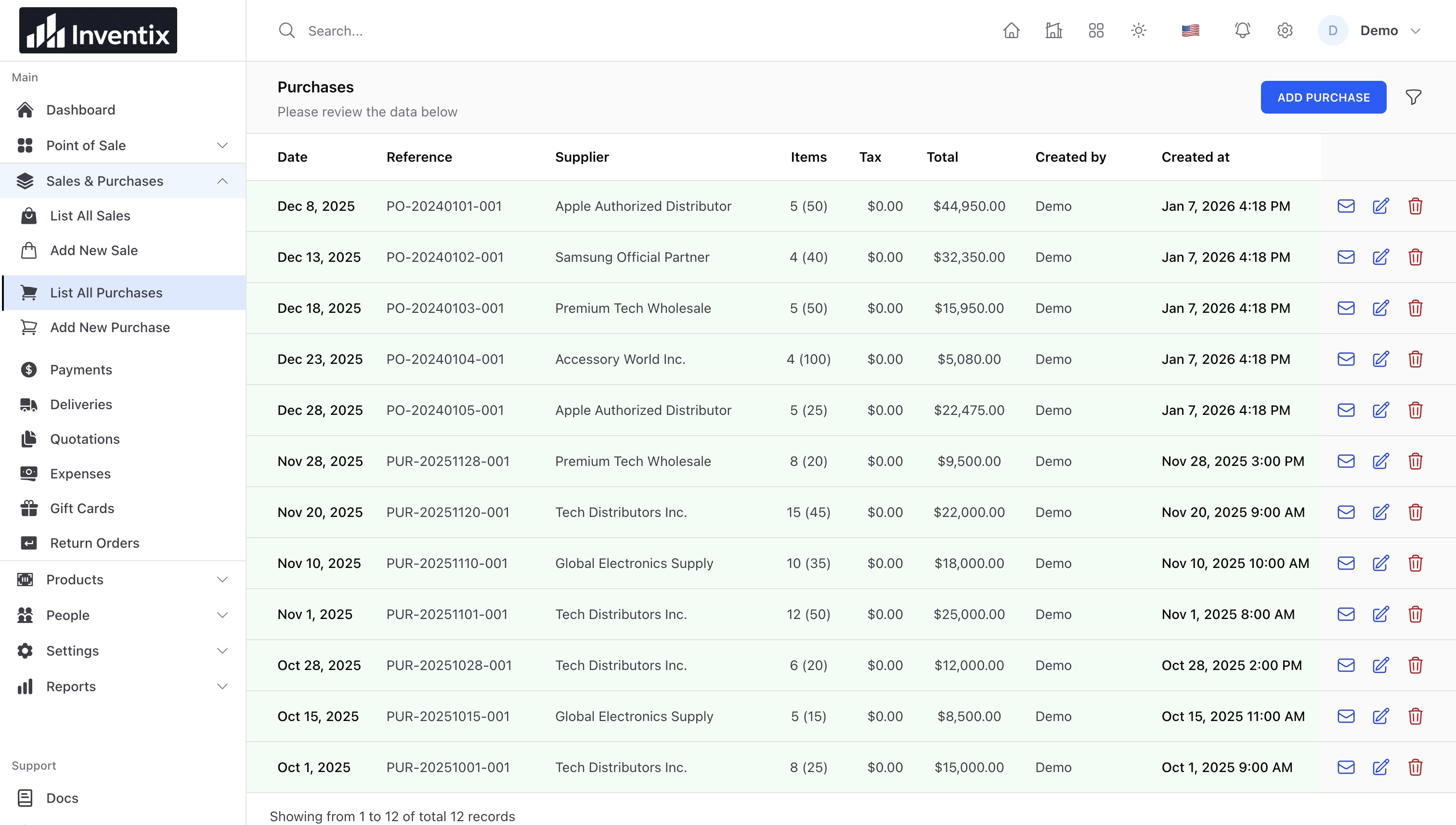
- Open Sales & Purchases > Add New Purchase.
- Check the selected store, document date and reference. Choose the supplier.
- Search or scan each product. Check its unit, variant, received quantity and cost.
- Review discounts, configured taxes and the total. Add a note or supporting attachment if needed.
- Save, reopen the purchase, and compare it with the physical delivery.
Check what changed
In a simple example, a store with 6 mugs that receives 10 more should have 16. A second store should not gain those mugs. This example assumes the same product and unit, and no intervening sale, return or transfer.
Check the product quantity, purchase record and purchase report. If stock is still updating, check the saved record before creating another purchase.
Record payment when money moves
Saving received stock does not mean you paid the supplier. Record the actual payment using the purchase's available payment action, then check the supplier balance. A manually recorded bank/card payment does not move money through your bank or terminal.
For a short delivery, enter the quantity actually received. Keep a clear reference for any later delivery rather than entering the same goods twice. Use the return workflow for goods sent back and supplier guide for balances.
Still stuck? Tell us what happened. Never include your password or recovery codes.