Set up variants and units
Keep sizes, colors and selling units clear so your team chooses the right item and quantity.

Decide what the customer is buying
A blue shirt in medium and a blue shirt in large need distinguishable variants. A case of twelve drinks and one drink need a clear unit relationship. Write down the options before entering opening stock so that purchases, sales and counts describe the same thing.
Add the product options
- Open the product form with permission to manage products.
- Complete the product's main name, unique code, category, cost and selling price.
- Use the variant controls for the supported product type. Give each option a meaningful name and check the code and price shown for it.
- Save, reopen the product and confirm the options are present.
- In POS, find the product and select the intended option before adding it to the cart.
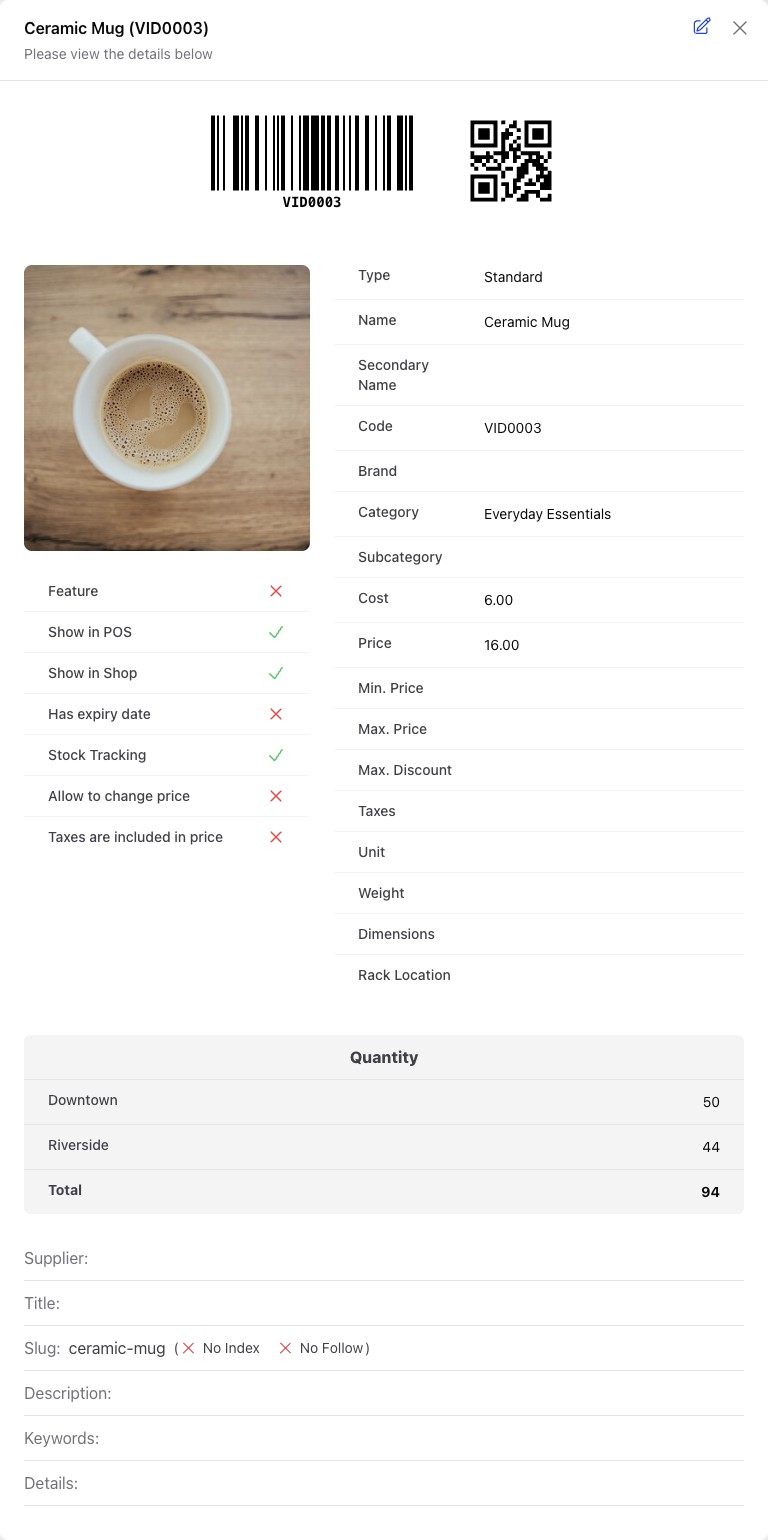
Check one sale before entering a large catalogue. Do not assume an option name automatically creates a separate product image or an independently registered retail barcode.
Use the right unit
Create the required unit setup before receiving stock. Where a related unit uses a conversion, confirm the relationship against a physical pack. Check the unit selected on the purchase, transfer and sale: twelve cases are not twelve individual items.
Record opening stock once for the appropriate location. For a later correction, use a stock adjustment or physical count rather than repeating the opening quantity.
Check the result
Receive a small quantity, sell one intended variant and inspect the remaining quantity in the same store. Confirm the receipt describes what the customer bought. If the wrong option was selected, correct the transaction through the relevant return or correction workflow; do not rename a product to conceal the difference.
Inventix does not currently provide serial-number inventory or automatic expiry-first allocation. Ask support about specialist stock requirements before depending on them.
Still stuck? Tell us what happened. Never include your password or recovery codes.