Create, top up and redeem gift cards
Keep the card number, available balance and customer clear before accepting a gift-card payment.

Create a card with the right access
Use the gift-card management area with a role allowed to manage cards. Issuing credit is a privileged action, not something every cashier should be able to do.
- Create a gift card and enter or generate its unique number.
- Enter the amount and an expiry date if one applies.
- Select the customer when the card should belong to a specific customer.
- Add relevant details, save and check the recorded balance.
Creating a card records gift-card credit; it does not automatically prove that your business collected money for it. Keep the collection reference and follow the accounting treatment appropriate to your location.
Add credit to an existing card
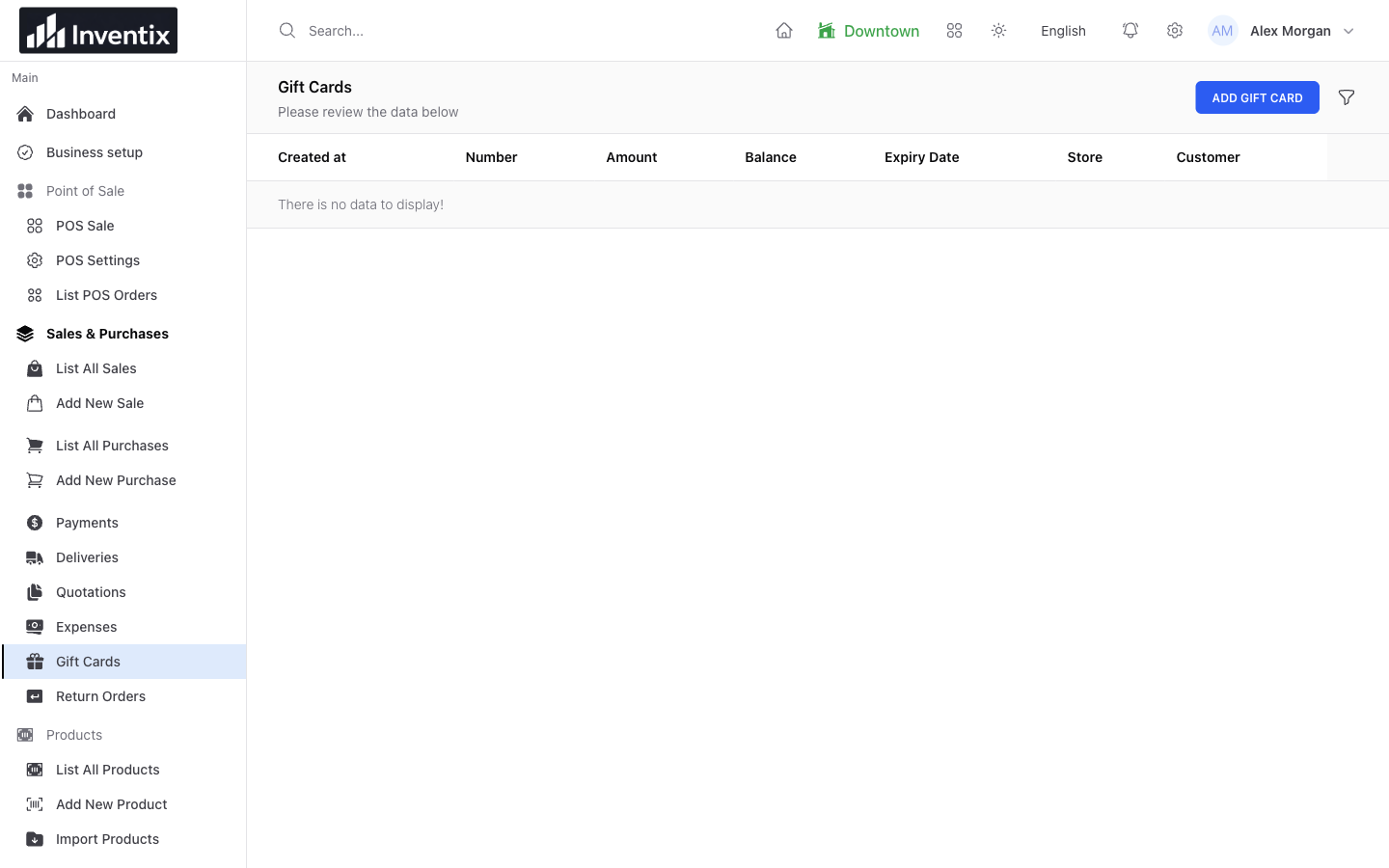
Find the card, use the top-up action and enter the amount and description. Check the updated balance and the card's activity log. Confirm that the credit was authorized before saving another top-up.
Redeem credit at checkout
Choose the gift-card payment option in the sale workflow and enter the card details. Check the card's available balance, expiry and any customer restriction. Do not treat an unknown, expired or insufficient card as cash received.
When part of a sale is paid by gift card, record any remaining payment through its actual method. After completion, check the sale and the remaining card balance before serving the next customer.
Protect the card details
A gift-card number may allow someone to spend its balance. Avoid posting full card numbers in screenshots or public support conversations. Give staff only the access they need to accept payments, and keep creation and top-up permissions restricted.
Gift cards are store credit within your workspace, not bank cards or a payment gateway. For saved payment records, see payment methods; for access, see staff permissions.
Still stuck? Tell us what happened. Never include your password or recovery codes.