
The short answer
Save the sale under the right customer, record the amount actually received and leave the remainder outstanding. When the customer pays later, record a payment against the existing balance instead of creating another sale.
Keep the customer's name with the transaction
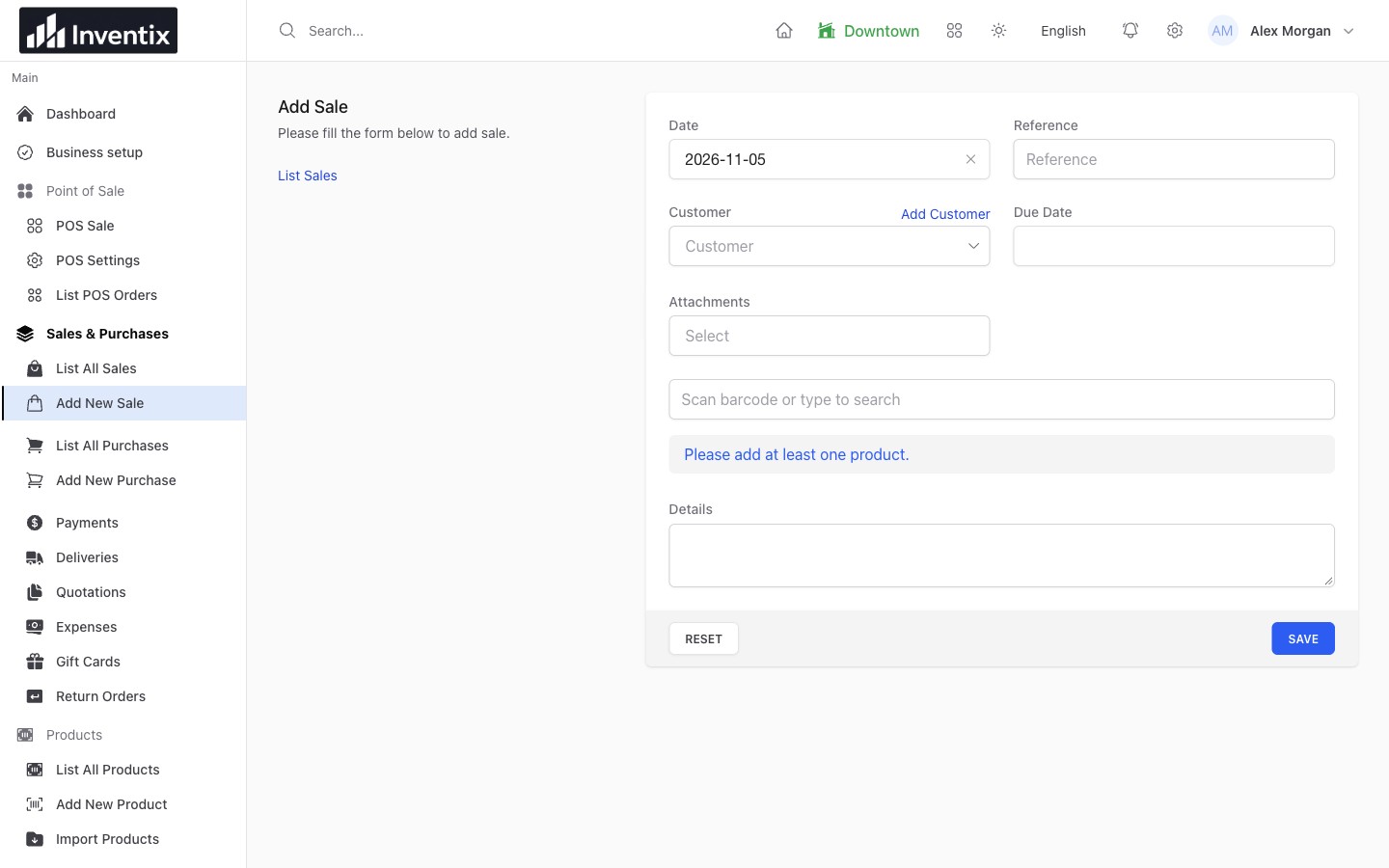
If your store allows a customer to pay later, the unpaid amount needs more than a note beside the counter. It needs a customer, a saved sale and a clear record of what has already been received.
Choose the correct customer before completing the transaction. Similar names are a reason to check the record, not a reason to create another copy of the same person.
Record what actually arrived
Consider an illustrative $60 sale. The customer pays $40 today and agrees to pay the remaining $20 later. Save the $60 sale and record only the $40 actually received. The outstanding amount should remain visible against the relevant records.
Calling the full $60 "paid" may make the receipt look complete, but it removes the reminder your team needs. Recording only a $40 sale loses the products and value of the original transaction.
See customer records and payment methods for the product workflow.
When the customer comes back, find the balance first
Open the original customer and sale. Confirm what is due, then use the relevant payment action to record the additional amount and its actual method. After saving, check the remaining balance and payment history.
Do not create a second sale for the $20 collection. You collected money against an existing transaction; you did not sell the same products again.
Keep sales and collections in their own view
Sales can happen on one day and collections on another. That is why a sales report and a payments report may both be correct without showing the same amount for today.
Use matching dates and stores, then open individual records when a total needs explanation. Inventix records the payment information; a card method recorded here still needs collection through your separate provider. It does not charge the customer's card.
Give the team enough information, not everyone's access
Let staff find the customer history they need while keeping permissions appropriate to their role. A customer's phone number or balance should not become a public screenshot or an unneeded export.
If you import existing contacts, remember that importing names does not reconstruct all historic transactions or balances. Prepare contact imports carefully.
Start with one complete customer workflow during your free trial: a sale, a partial payment and a later collection. It is a more useful test than looking at a dashboard without any business records behind it.