
The short answer
Use variants to distinguish the options customers buy and units to describe the quantity moving. Test one purchase, sale and stock check before entering the rest of the range. A clear name alone does not make two quantities interchangeable.
Make the choice obvious at checkout
"Blue shirt" is easy to search for. It is not enough when the customer needs medium and the shelf also holds small and large. Your team should not have to remember which line means which option.
Name the choices in the way people sell them. Keep the product code, option and unit clear so the same item can be recognized in checkout, receiving and stock counts.
Separate an option from a quantity
A size or color describes a product option. A unit describes how much of it moves. Both matter, but they solve different problems.
For an illustrative drinks delivery, a case of twelve and one individual bottle are not interchangeable quantities. If someone receives ten cases but records ten bottles, a tidy-looking product name will not fix the stock figure.
Write the pack relationship down before the first delivery. Then use the supported unit setup consistently on purchases, sales and counts.
Build one representative product first
Choose an item that has the options you really sell. In Inventix, set up the main product, its supported variants and the relevant prices. Reopen the saved product and find the option in POS.
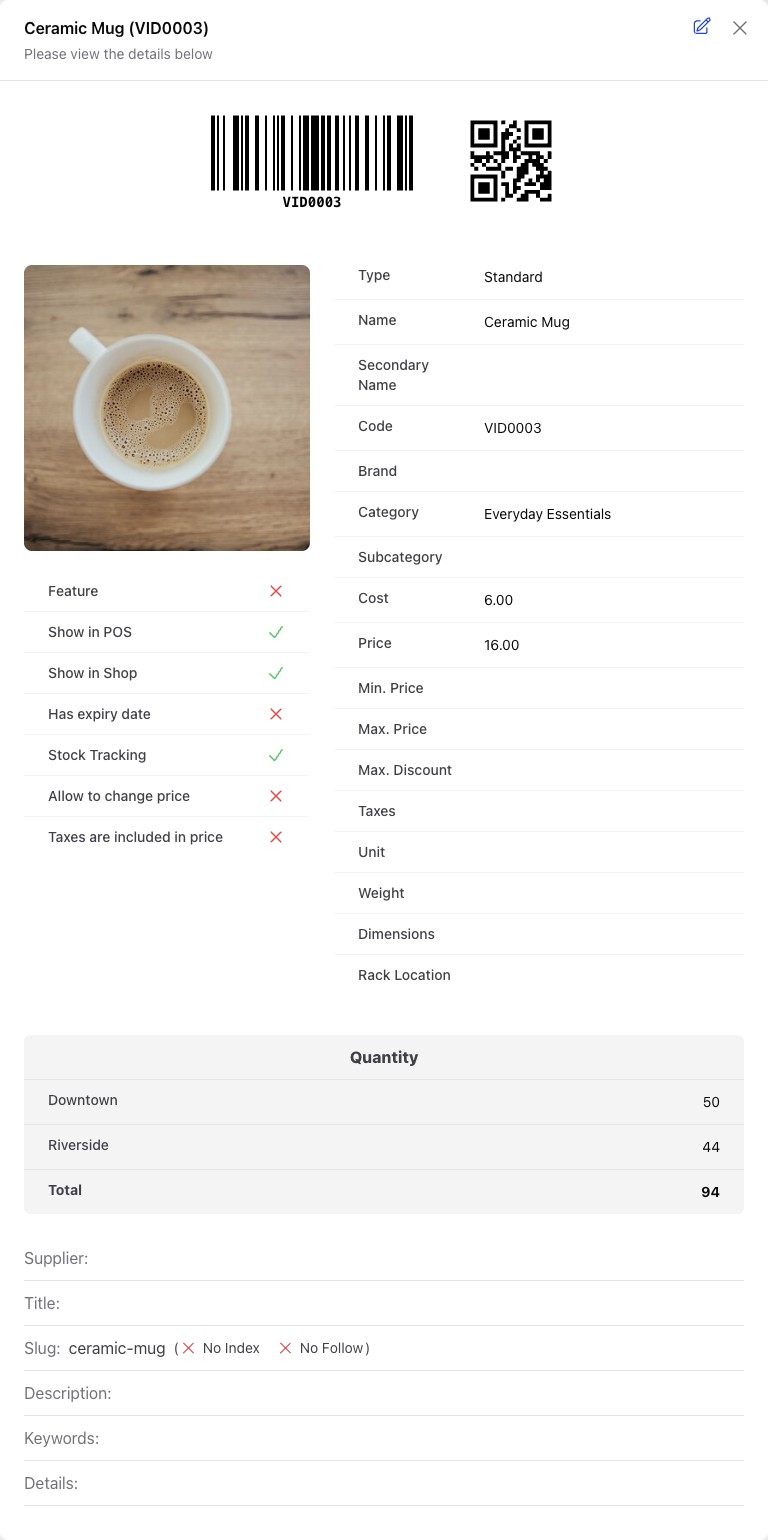
Do not start by duplicating the whole catalogue. Prove the pattern with one product, then repeat it. Use the variants and units guide for the steps.
Follow the quantity through a real action
Receive a small known quantity into one store. Add the intended option to a sale, confirm the unit and complete the transaction. Check the remaining quantity in that same store, then open the receipt to see what the customer would receive.
That short loop answers more than a spreadsheet full of labels: can the cashier select the right option, does the receipt make sense, and does the quantity move as you expect?
Keep corrections traceable
If you find a difference, inspect the product option and selling unit before adjusting stock. If the physical quantity is genuinely wrong, use a count or adjustment with a reason. Do not repeatedly import opening stock to force today's quantity into place.
Know when you need a specialist workflow
Inventix supports ordinary retail products, supported variants and units. Serial-number inventory and automatic expiry-first allocation are not part of the current stock workflow. If those determine whether you can sell safely or legally, ask us before switching.
For a catalogue you already hold in Excel, follow the product import guide after testing your product pattern. Monthly and annual plans include the same current capabilities; see pricing.